
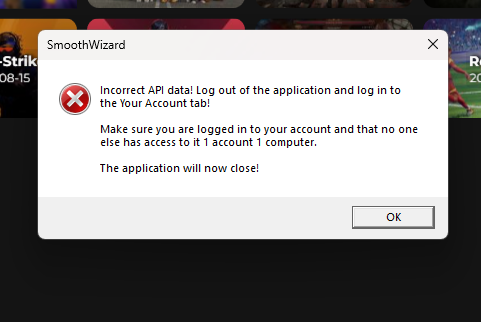
How do I fix this?
That’s very simple! Log out of the application and log in again! The automatic login will generate a new Footprint, password, and encryption key and transfer it to the server!
You go to the “Your Account” tab in the PC application, and there you select “Manage Profile” and “Log out”, and then you log in 🫡

Why is this happening?
The application checks the license on the server using the generated Footprint of your computer, which includes the serial numbers of random parts of your computer. If you have changed any part in your computer or are simply running your installed and logged-in application on a different computer, you will receive this message and the application will not work.

SmoothWizard