
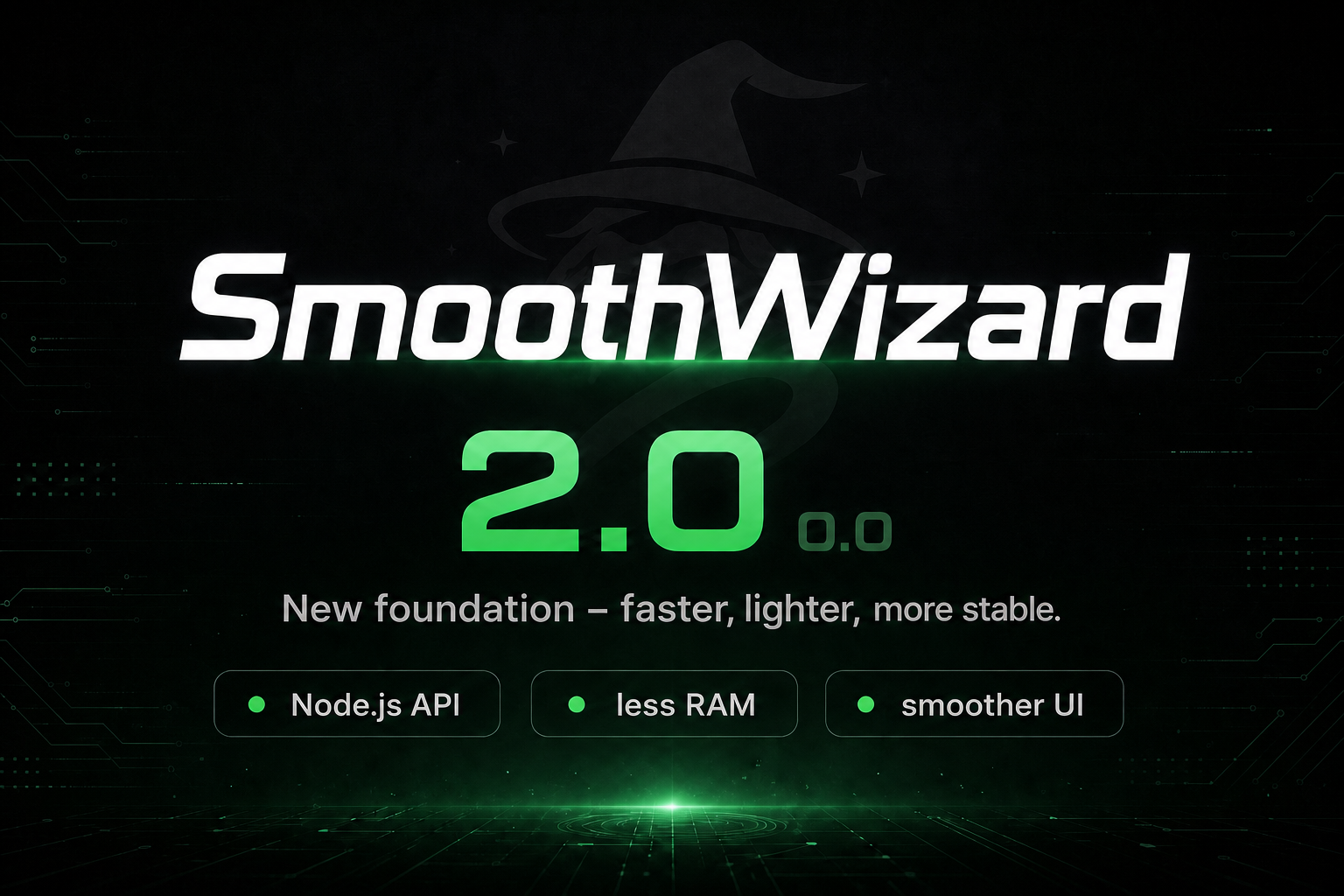
SmoothWizard 2.0: A New Foundation for Performance
Have you noticed the recent version number changes across our applications? SmoothWizard has jumped to version 2.0.0.1, while the Updater is now 1.0.0.1 and the Setup application 1.0.0.4.
This wasn’t just a cosmetic version bump.
SmoothWizard 2.0 is far more than another maintenance update or a collection of bug fixes. It represents a complete rebuild of the application’s underlying infrastructure. Our primary goal was to dramatically improve overall performance, reduce resource usage, and create a faster, more responsive experience for every Windows user. Here’s an in-depth look at what has changed in this major release.
Major API and Infrastructure Improvements
The biggest transformation happened behind the scenes. While these changes aren’t immediately visible, they’re responsible for the significant performance gains you’ll notice throughout the application.
Migrating from PHP to Node.js
We’ve replaced our previous PHP-based API with a modern Node.js infrastructure. This migration significantly reduces server response times while greatly increasing throughput. Communication between your PC and our servers is now considerably faster, making every interaction inside SmoothWizard feel more responsive.
The new architecture also gives us a much stronger foundation for future features and scalability.
10x More Server Resources
Performance isn’t only about software.
We’ve increased the server resources dedicated to our API by approximately ten times, allowing SmoothWizard to handle much heavier traffic without slowdowns.
Whether hundreds or thousands of users are connected simultaneously, the application remains fast, responsive, and reliable.
Faster and More Efficient Secure Communication
We’ve optimized how data is encrypted and transmitted between Windows and our API. By using lighter and more efficient encryption methods where appropriate, we’ve reduced communication overhead, lowering CPU usage while speeding up data transfers. The result is faster synchronization with less impact on overall system performance.
Faster UI and Better Responsiveness
Infrastructure improvements also translate directly into a noticeably smoother user experience. Navigation throughout the application feels significantly quicker. Tabs, custom lists, the Games library, and game details now open almost instantly, while the interface reacts immediately to user input with minimal delay. These improvements create a much more fluid experience during everyday use.
RAM Optimization: No More Memory Bloat
One of the biggest improvements in SmoothWizard 2.0 is its dramatically lower memory footprint. Reducing unnecessary RAM usage has been one of our highest priorities, especially for gamers who want as many system resources as possible available for their games.
Intelligent Bitmap Memory Management
Applications built with WPF often suffer from memory growth caused by cached images remaining in RAM long after they’re needed. SmoothWizard 2.0 solves this issue. Inactive sections now automatically release bitmap resources and related data instead of keeping them permanently allocated. This substantially lowers memory consumption while maintaining excellent responsiveness.
Faster Icon and Banner Loading
We’ve completely redesigned the image loading pipeline. Game icons and banners are now decoded directly to the size required by the user interface instead of loading full-resolution images into memory first.
This approach offers several benefits:
Faster loading times
Lower RAM usage
Smoother scrolling through game lists
Improved overall UI responsiveness
Improvements for Gamers and General Stability
Beyond infrastructure and performance improvements, we’ve also introduced several quality-of-life enhancements and bug fixes.
Redesigned Game Voting System
The game voting feature has received a complete refresh. The new interface is cleaner, easier to navigate, and includes a much faster search function, allowing you to find titles almost instantly. We’ve also added clear indicators showing which games are already available in our database, making browsing much more intuitive.
Smarter Background Processing
SmoothWizard now intelligently cancels background loading tasks whenever you quickly switch between sections.
Instead of allowing unnecessary operations to continue running, the application automatically stops work that is no longer needed. This reduces CPU usage, lowers memory consumption, and keeps the interface responsive even during rapid navigation.
DPI Scaling and Window Resize Fixes
We’ve resolved several long-standing issues related to Windows DPI scaling and dynamic window resizing.
SmoothWizard 2.0 now handles different display scaling settings much more reliably, ensuring the interface remains properly aligned and visually consistent across high-resolution monitors and multiple display configurations.
Why SmoothWizard 2.0 Matters
SmoothWizard 2.0 isn’t simply another update. It’s a completely new technical foundation that prepares the application for future growth while delivering immediate benefits today. With a modern Node.js API, significantly faster communication, smarter memory management, optimized image loading, improved background processing, and a far more responsive interface, SmoothWizard now uses fewer system resources while delivering better overall performance.
Whether you’re optimizing Windows for gaming, reducing background resource usage, or simply looking for a faster and smoother experience, SmoothWizard 2.0 has been built with those goals in mind.
We’d Love Your Feedback
Now it’s your turn. After installing SmoothWizard 2.0, let us know how it performs on your PC. We’re especially interested in your experience regarding:
RAM usage and memory optimization
Performance of the Games section
UI responsiveness
The redesigned game voting system
Overall application speed and stability
Your feedback helps us continue improving SmoothWizard and building even better Windows optimization tools for gamers and power users.
Thank you for being part of the SmoothWizard community!

SmoothWizard