

CS2
Counter-Strike 2
cs2.exeSource 2
Counter-Strike 2 (CS2) is a new installment of the cult FPS game series, powered by the Source 2 engine, offering players even more realistic graphics, dynamic maps, and smoother gameplay. However, to fully utilize the potential of this game, it is necessary to properly optimize the settings. Our CS2 optimization application allows every player to significantly increase the game's performance and improve the smoothness of the game
How to optimize Counter-Strike 2
- 1
Game configuration file optimization
we adjust the most important settings in Counter-Strike 2 configuration files to increase game performance and improve server response time
- 2
Steam configuration file optimization
automatic change of Steam settings allows for better synchronization with the game, which translates into smoother gameplay and less delays
- 3
Start commands for Counter-Strike 2
we add special start commands that allow for fast game loading and elimination of delays during gameplay
- 4
Automatic change of game priority
our application automatically adjusts the priority of CS2 operation in Windows, which allows the game to use more computer resources, guaranteeing better performance
Why optimize Counter-Strike 2
Counter-Strike 2, despite being a perfectly optimized game, may require some adjustments to run flawlessly on different hardware configurations. With our CS2 optimization application, even on older computers you can enjoy smoother gameplay, better FPS and less lag. Whether you play for fun or professionally, better game performance is essential. Our tool supports Counter-Strike 2 players of all levels, helping them achieve the best results in the game
Estimated FPS and input lag
1080p, mid-range PC
240 FPS
~4.2 ms
Typical reports, no app
400 FPS
~2.5 ms
Estimated after optimization
FPS
Input lag (frame time)
Community / benchmark range for an RTX 3060-class PC at 1080p. Input lag here is frame time only: 1000 FPS = 1 ms, no monitor, USB or game delay. Estimate, not a measurement on your hardware.
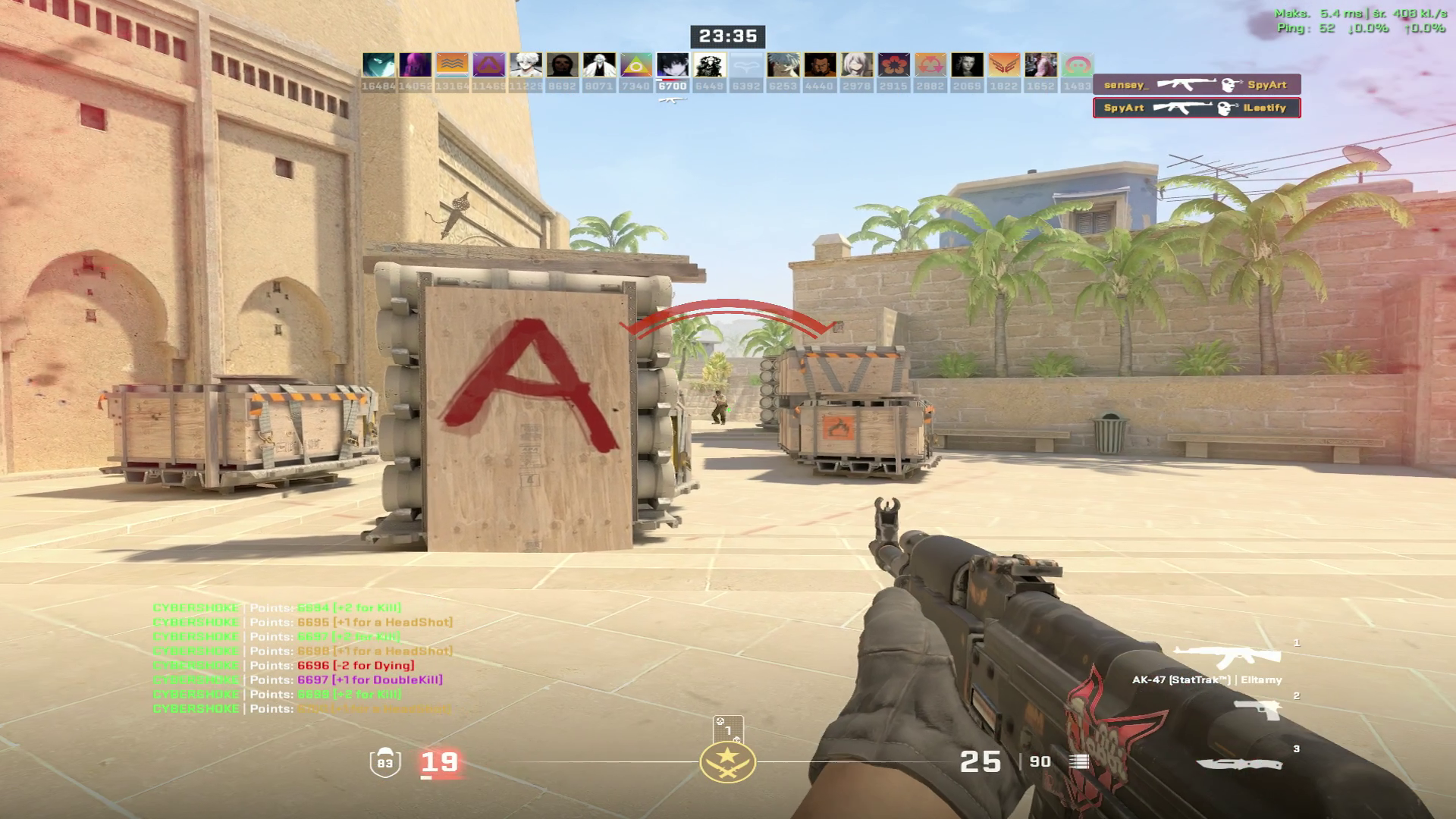
If you are looking for a way to increase FPS in Counter-Strike 2 , reduce lag and generally improve game performance, our app is the perfect solution. Download it now and start enjoying smoother and better gameplay today
FAQ
Click a question to show the answer. The first one is open.
What does SmoothWizard change in Counter-Strike 2?
PRO catalog: config where one exists, window priority, quieter background. Fullscreen process pause is PRO too. Power plan (Optimize Basic) is Free. FPS and ms on the page are a mid-range sample, not a measurement on your PC.
Does the app inject into Counter-Strike 2?
No. It does not read game memory or draw an overlay in the title. Anti-cheat stays the game vendor problem.
Is this Free or PRO?
Game config and window priority are PRO. Fullscreen process pause is PRO too. Power plan (Optimize Basic) is Free. PRO has a 7-day trial in the app.
