
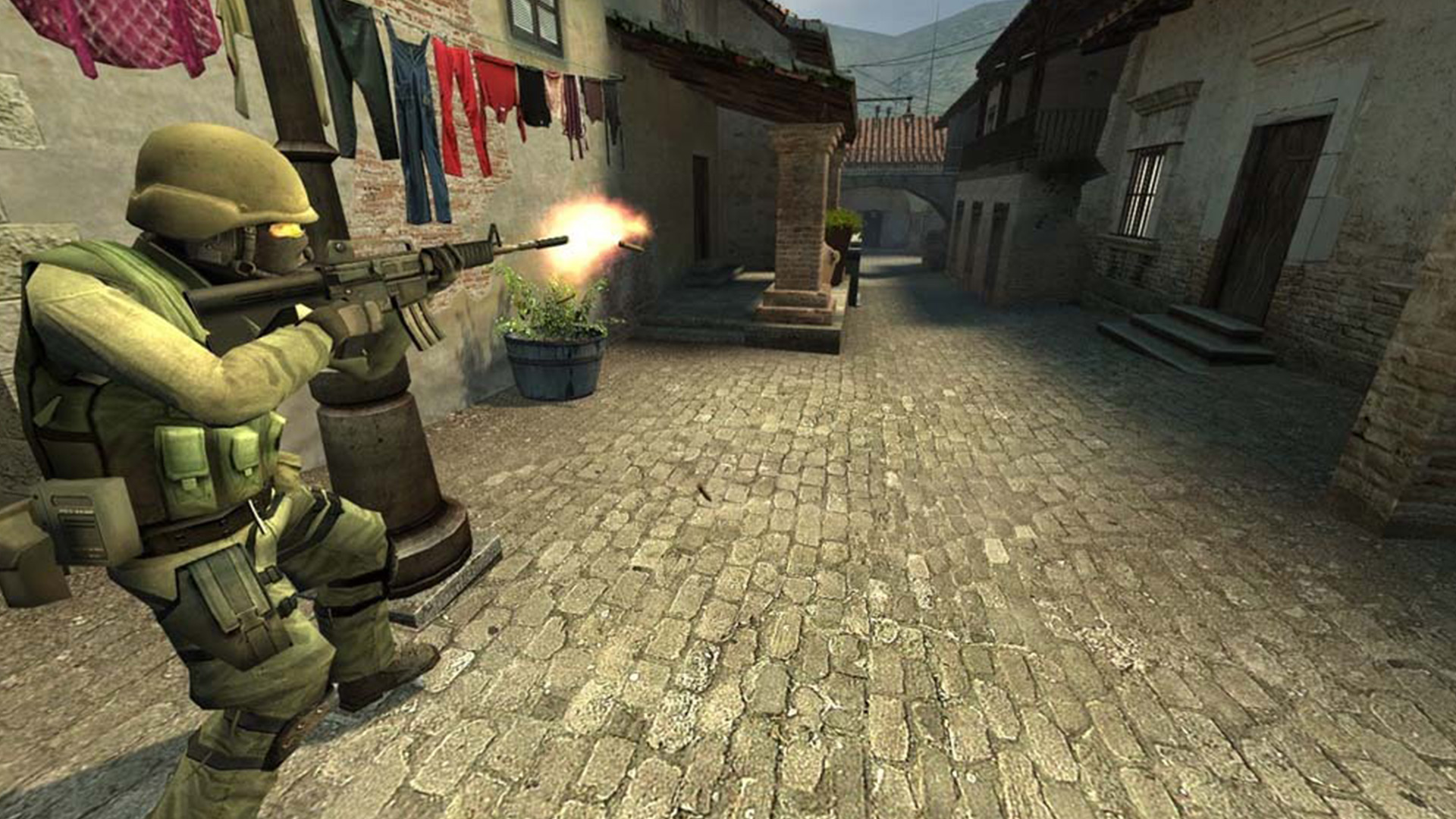

CS Source
Counter-Strike: Source
hl2.exeSource
Counter-Strike: Source is a classic version of a popular FPS shooter using the Source engine that offers its players quick and intense games. To enjoy smooth gameplay on modern hardware, our app delivers tools for optimizing Counter-Strike: Source enhancing performance and FPS stability
How to optimize Counter-Strike: Source
- 1
Optimization of the game config file
our app is automatically adjusting the config files to increase FPS and enhance gameplay stability, especially during more intense multiplayer games
- 2
Automatic change in game priority
the app sets high priority for Counter-Strike: Source in the OS to allow the game to use more of its resource to minimize delays and enhance smooth gameplay
- 3
Window priority for Counter-Strike: Source
SmoothWizard raises the game process priority in Windows. Config edits stay reversible with a backup.
Why optimize Counter-Strike: Source
Counter-Strike: Source , despite its classic character, can use modern optimization tools to ensure smoother and faster performance on modern computers. Optimization of the config files and changes in priority ensure metter performance and a more responsive gameplay, which is key in competitive multiplayer experience
Estimated FPS and input lag
1080p, mid-range PC
300 FPS
~3.3 ms
Typical reports, no app
500 FPS
~2.0 ms
Estimated after optimization
FPS
Input lag (frame time)
Community / benchmark range for an RTX 3060-class PC at 1080p. Input lag here is frame time only: 1000 FPS = 1 ms, no monitor, USB or game delay. Estimate, not a measurement on your hardware.
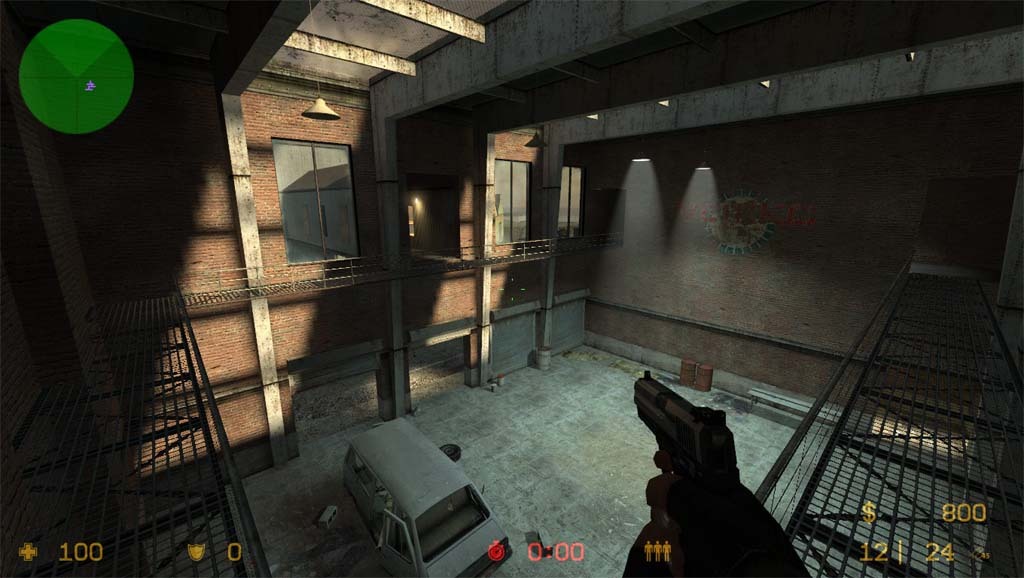
Optimize Counter-Strike: Source with our app and get an edge on servers thanks to better performance, more FPS and a smooth game. Download the app now and enjoy smoother fights
FAQ
Click a question to show the answer. The first one is open.
What does SmoothWizard change in Counter-Strike: Source?
PRO catalog: config where one exists, window priority, quieter background. Fullscreen process pause is PRO too. Power plan (Optimize Basic) is Free. FPS and ms on the page are a mid-range sample, not a measurement on your PC.
Does the app inject into Counter-Strike: Source?
No. It does not read game memory or draw an overlay in the title. Anti-cheat stays the game vendor problem.
Is this Free or PRO?
Game config and window priority are PRO. Fullscreen process pause is PRO too. Power plan (Optimize Basic) is Free. PRO has a 7-day trial in the app.
