
EfT
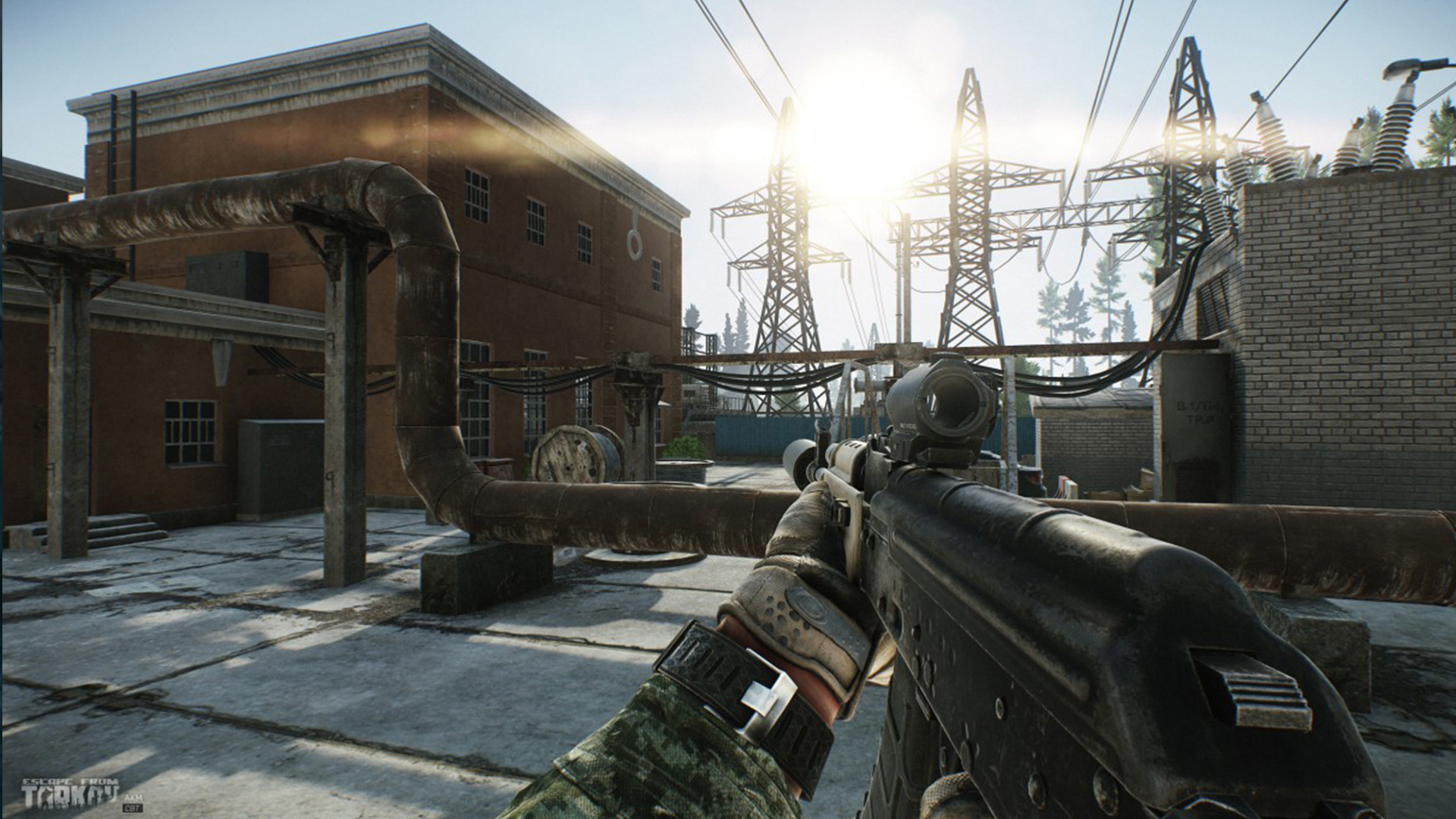
Escape From Tarkov
EscapeFromTarkov.exeUnity
Escape From Tarkov is a realistic combat simulator offering intense action and advanced survival mechanics. To fully enjoy the game with high system requirements it is imperative to optimize its performance. Our app offers tools to optimize Escape From Tarkov and ensure smooth gameplay and stable FPS
How to optimize Escape From Tarkov
- 1
Optimization of the game config file
our app automatically adjusts config setting for Escape From Tarkov which allows to increase FPS and gameplay smoothness, especially in combat and during exploration
- 2
Optimization via lodbias
the app adjusts level of detail of game objects to allow for better performance while maintaining the quality of realistic graphics, which is especially important during tactical manoeuvres
- 3
Automatic change in game priority
the app sets high priority for Escape From Tarkov which allows the game to use more of system's resources, minimizing delays and helping performance
Why optimize Escape From Tarkov
Escape From Tarkov is a game with high requirements which requires smooth and stable performance, especially during large-scale combat and exploration. Optimizing config files, priority and LOD allows for better game responsiveness and more stable FPS in those key moments
Estimated FPS and input lag
1080p, mid-range PC
80 FPS
~12.5 ms
Typical reports, no app
135 FPS
~7.4 ms
Estimated after optimization
FPS
Input lag (frame time)
Community / benchmark range for an RTX 3060-class PC at 1080p. Input lag here is frame time only: 1000 FPS = 1 ms, no monitor, USB or game delay. Estimate, not a measurement on your hardware.
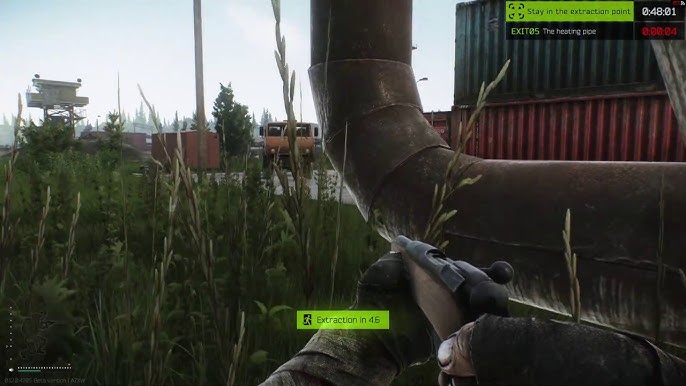
Optimize Escape From Tarkov through the app and enjoy smoother gameplay, more FPS and stable performance during fights. Download the app now and gain an edge in the world of Tarkov
FAQ
Click a question to show the answer. The first one is open.
What does SmoothWizard change in Escape From Tarkov?
PRO catalog: config where one exists, window priority, quieter background. Fullscreen process pause is PRO too. Power plan (Optimize Basic) is Free. FPS and ms on the page are a mid-range sample, not a measurement on your PC.
Does the app inject into Escape From Tarkov?
No. It does not read game memory or draw an overlay in the title. Anti-cheat stays the game vendor problem.
Is this Free or PRO?
Game config and window priority are PRO. Fullscreen process pause is PRO too. Power plan (Optimize Basic) is Free. PRO has a 7-day trial in the app.
