

RDR2
Red Dead Redemption 2
RDR2.exeRAGE
Red Dead Redemption 2 is an epic open-world adventure that transports players to the Wild West, filled with expansive missions and breathtaking landscapes. To fully enjoy the smooth gameplay and rich details, performance optimization is essential. Our app provides tools for Red Dead Redemption 2 optimization that enhance FPS stability and game fluidity, even in the most demanding scenes
How to optimize Red Dead Redemption 2
- 1
Game Configuration Optimization
The app automatically adjusts configuration settings to improve gameplay fluidity, increase FPS, and ensure stability, especially during exploration of vast landscapes
- 2
Automatic Game Priority Adjustment
The app sets a high priority for Red Dead Redemption 2 in the operating system, allowing the game to use computer resources more effectively, minimizing lag, and enhancing game responsiveness
- 3
Window priority for Red Dead Redemption 2
SmoothWizard raises the game process priority in Windows. Config edits stay reversible with a backup.
Why optimize Red Dead Redemption 2
Red Dead Redemption 2 offers a unique level of detail and requires stable performance to fully immerse yourself in the Wild West experience. Optimizing configuration settings and adjusting game priority provide higher FPS, smoother gameplay, and better stability during exploration and intense missions
Estimated FPS and input lag
1080p, mid-range PC
70 FPS
~14.3 ms
Typical reports, no app
115 FPS
~8.7 ms
Estimated after optimization
FPS
Input lag (frame time)
Community / benchmark range for an RTX 3060-class PC at 1080p. Input lag here is frame time only: 1000 FPS = 1 ms, no monitor, USB or game delay. Estimate, not a measurement on your hardware.
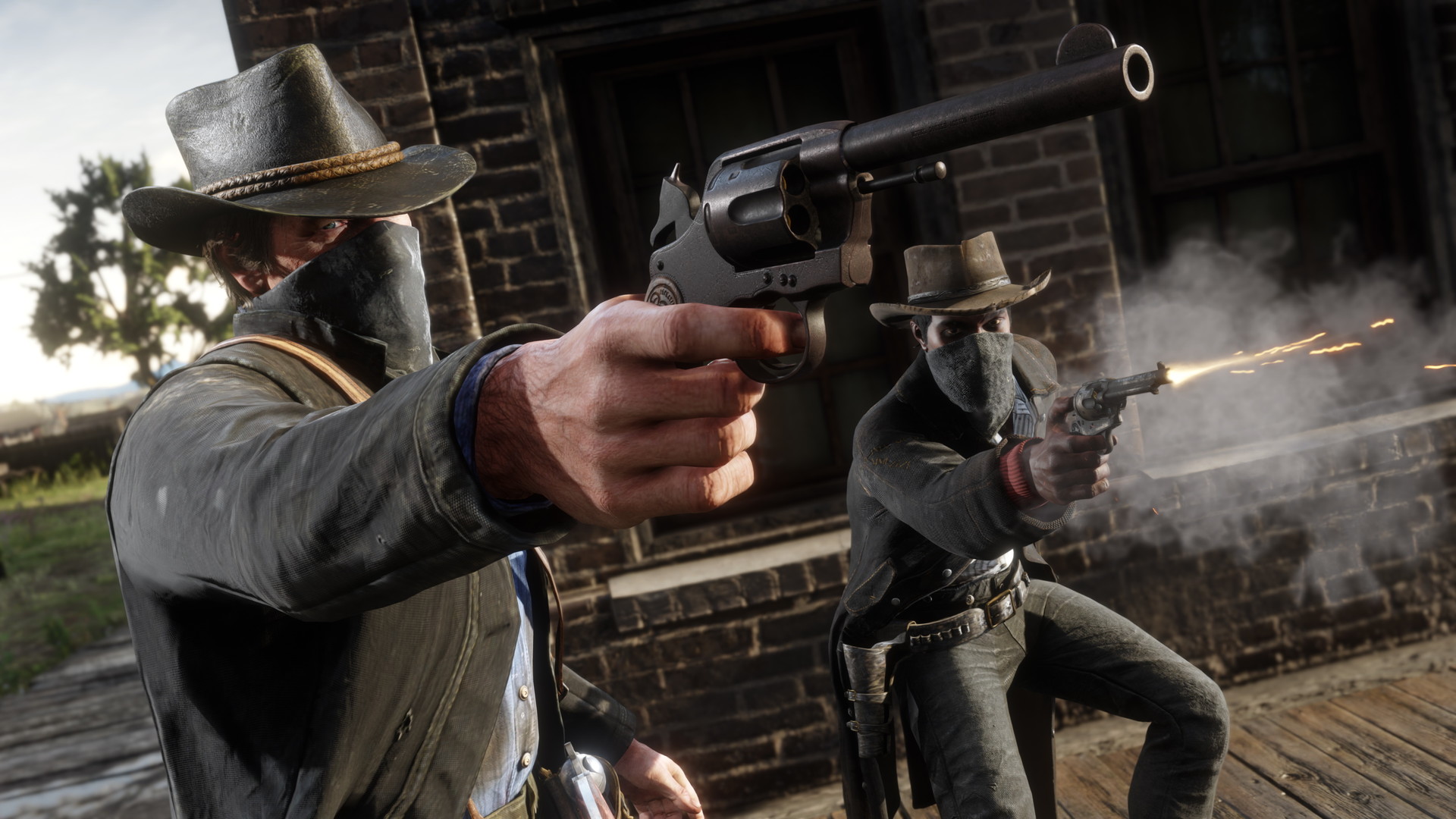
Optimize Red Dead Redemption 2 with our app and enjoy smoother gameplay, higher FPS, and stable performance as you embark on your Wild West adventures. Download the app now and experience the story without interruptions
FAQ
Click a question to show the answer. The first one is open.
What does SmoothWizard change in Red Dead Redemption 2?
PRO catalog: config where one exists, window priority, quieter background. Fullscreen process pause is PRO too. Power plan (Optimize Basic) is Free. FPS and ms on the page are a mid-range sample, not a measurement on your PC.
Does the app inject into Red Dead Redemption 2?
No. It does not read game memory or draw an overlay in the title. Anti-cheat stays the game vendor problem.
Is this Free or PRO?
Game config and window priority are PRO. Fullscreen process pause is PRO too. Power plan (Optimize Basic) is Free. PRO has a 7-day trial in the app.
