
R6
Tom Clancy's Rainbow Six Siege
RainbowSix.exeAnvilNext 2.0
Tom Clancy's Rainbow Six Siege is a tactical shooter where precision and strategy determine success. For smooth gameplay and stable FPS, especially during intense skirmishes, performance optimization is essential. Our app provides tools for Rainbow Six Siege optimization that enhance stability and game fluidity
How to optimize Tom Clancy's Rainbow Six Siege
- 1
Game Configuration Optimization
The app adjusts configuration settings to improve fluidity, increase FPS, and ensure stability during fast-paced action
- 2
Automatic Game Priority Adjustment
Our app sets a high priority for Rainbow Six Siege, allowing efficient use of computer resources and reducing lag
- 3
Window priority for Tom Clancy's Rainbow Six Siege
SmoothWizard raises the game process priority in Windows. Config edits stay reversible with a backup.
Why optimize Tom Clancy's Rainbow Six Siege
Rainbow Six Siege demands precision and quick reactions, where every second can determine the outcome. Optimizing configuration settings and adjusting game priority provide smoother gameplay, higher FPS, and stability, giving players an edge in combat
Estimated FPS and input lag
1080p, mid-range PC
280 FPS
~3.6 ms
Typical reports, no app
465 FPS
~2.2 ms
Estimated after optimization
FPS
Input lag (frame time)
Community / benchmark range for an RTX 3060-class PC at 1080p. Input lag here is frame time only: 1000 FPS = 1 ms, no monitor, USB or game delay. Estimate, not a measurement on your hardware.
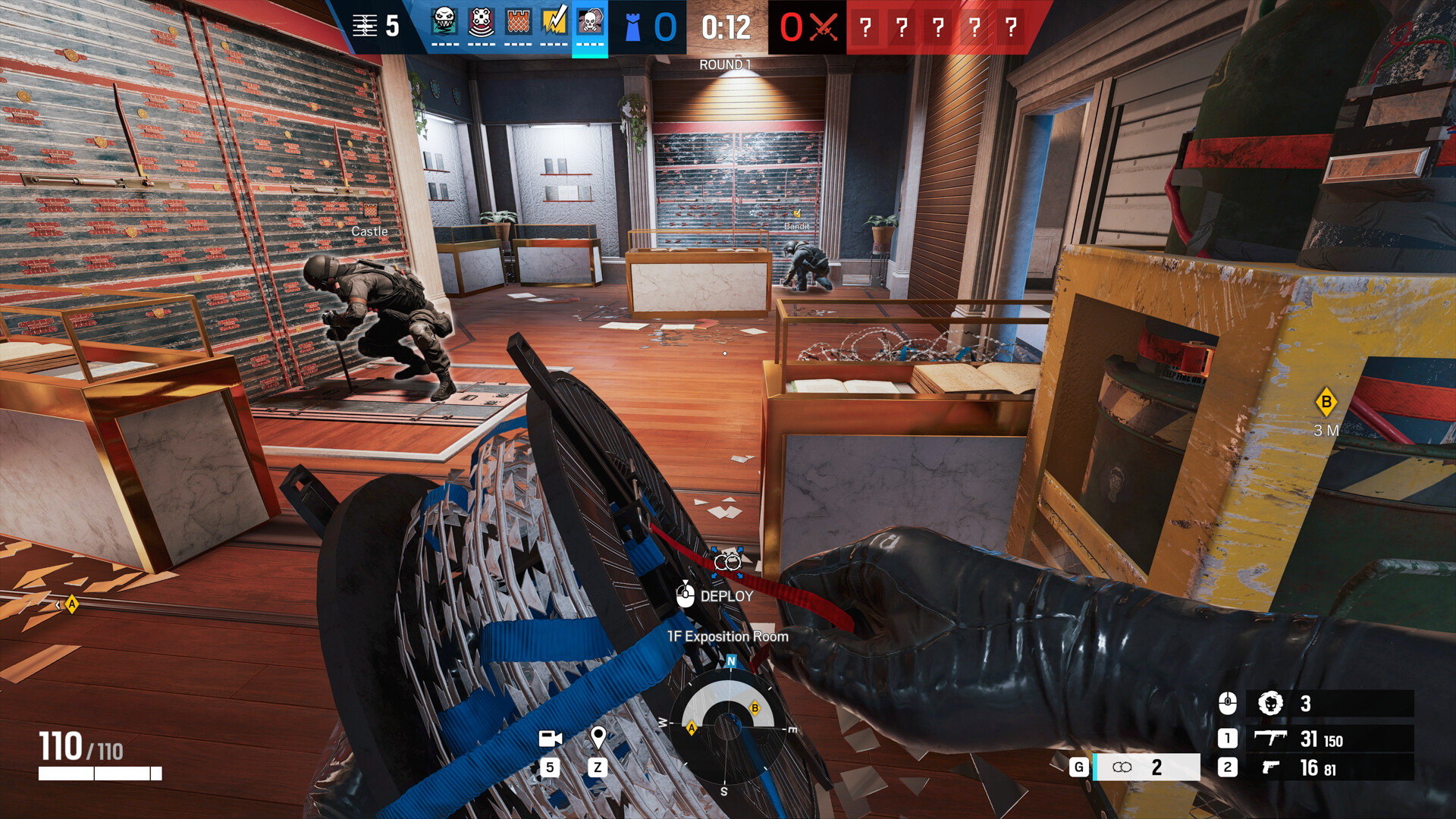
Optimize Rainbow Six Siege with our app and enjoy smoother gameplay, higher FPS, and stable performance in every match. Download the app now and enter the action at peak performance
FAQ
Click a question to show the answer. The first one is open.
What does SmoothWizard change in Tom Clancy's Rainbow Six Siege?
PRO catalog: config where one exists, window priority, quieter background. Fullscreen process pause is PRO too. Power plan (Optimize Basic) is Free. FPS and ms on the page are a mid-range sample, not a measurement on your PC.
Does the app inject into Tom Clancy's Rainbow Six Siege?
No. It does not read game memory or draw an overlay in the title. Anti-cheat stays the game vendor problem.
Is this Free or PRO?
Game config and window priority are PRO. Fullscreen process pause is PRO too. Power plan (Optimize Basic) is Free. PRO has a 7-day trial in the app.
