
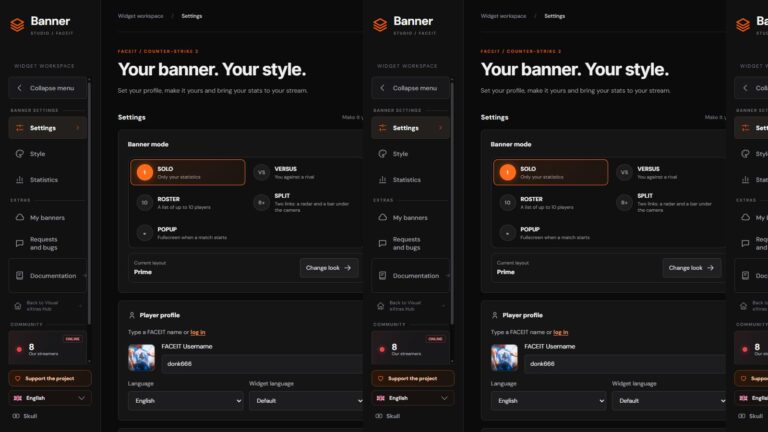
FACEIT Banner for OBS – live ELO and CS2 stats on stream
On a CS2 stream, viewers want the level and whether recent matches are climbing. Chat asks for ELO, and you do not want to open the FACEIT profile every round. That is what FACEIT Banner is for: a free widget generator you drop into OBS as a Browser source.
It is not the FACEIT client, not anti-cheat, and it does not raise frame rate. It is a banner on the broadcast. It shows level, ELO, ELO change, wins and losses, and stats from recent matches. You type a nickname, pick a layout, and copy a link. No OBS plugin and no account in the generator.
The project is by Skull, the author of SmoothWizard. The code is on GitHub. Below is why it exists, how it differs from the original widget, and how to paste it without breaking the frame.
Open the generator · Docs · If the FACEIT client itself stutters
What it is and why
A viewer on Twitch or YouTube does not have your game client. The banner replaces a profile screenshot: level, ELO bar, region or country rank, and a few numbers you choose. The stream overlay then says who is playing and at what level, not only a nickname in the title.
The generator is called FACEIT Banner Studio. It runs in the browser. After you generate the link, OBS refreshes data from the FACEIT API. You do not type the score by hand after every match.
Solo, VERSUS, and lineup
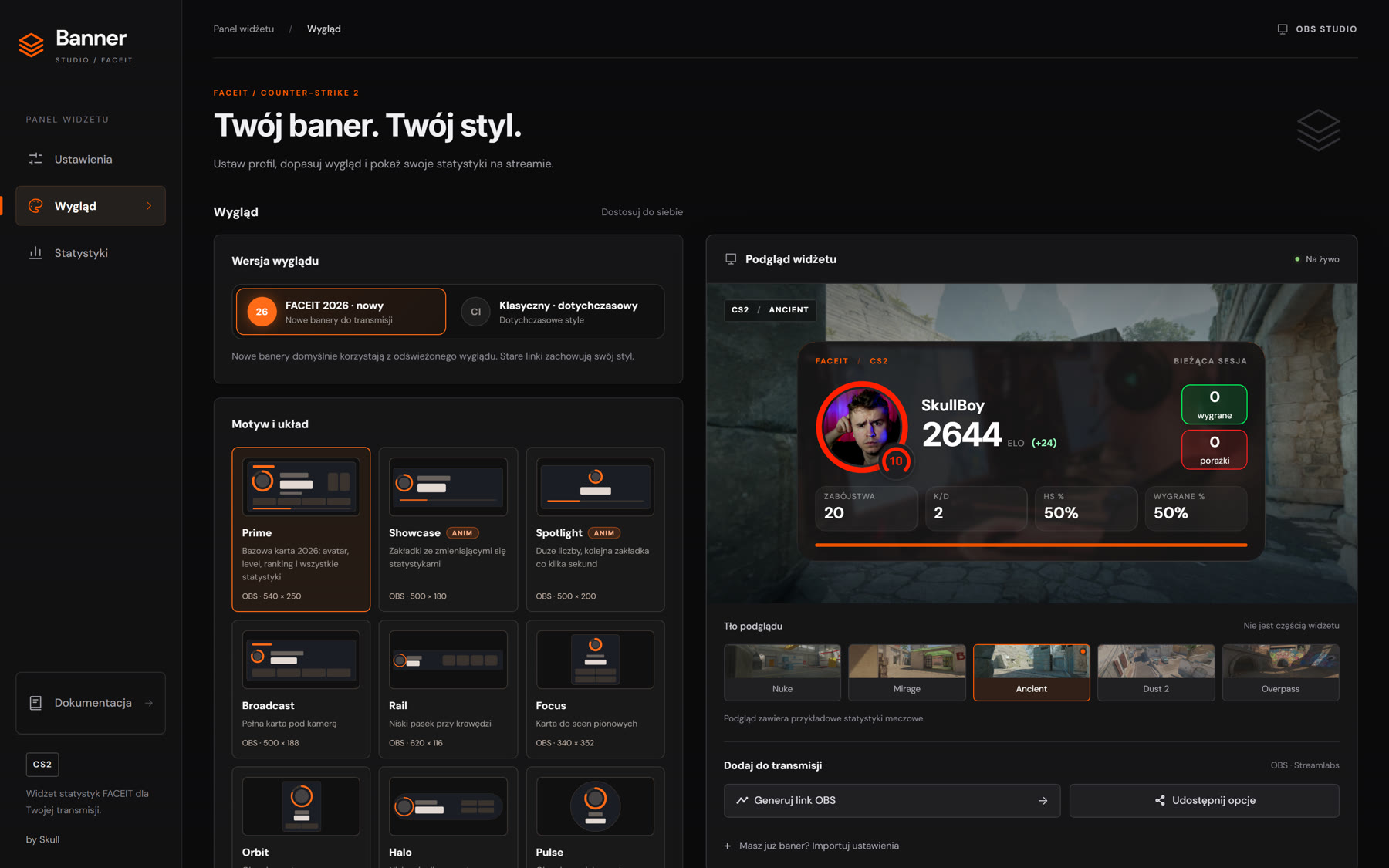
The FACEIT 2026 look has 18 solo layouts. Prime is the base. Others include Showcase, Rail, Pulse (always a 1:1 circle), Ticker, Reel, and Marquee. Some layouts animate: a stat reel, a ticker, changing tabs. A static banner is fine at 30 FPS on the Browser source. For Ticker or Reel, set 60 so the motion stays smooth.
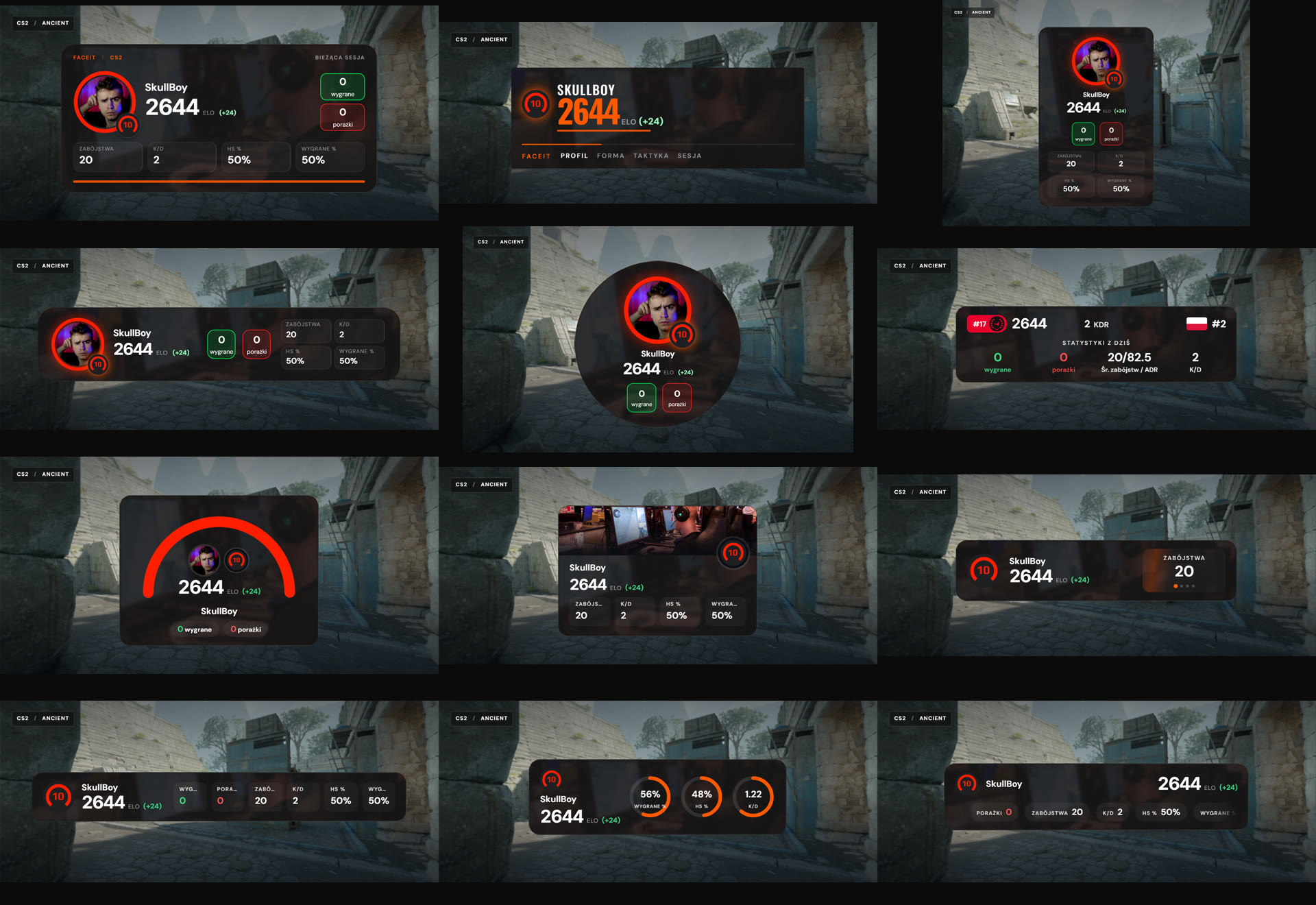
VERSUS mode takes a second nickname. The widget loads the rival live and shows the ELO gap, a stat compare, a radar, or a level ladder. There are 13 layouts, from Duel and Faceoff to Scoreboard. It fits a scrim or a stream where viewers should see both sides, not only your profile.
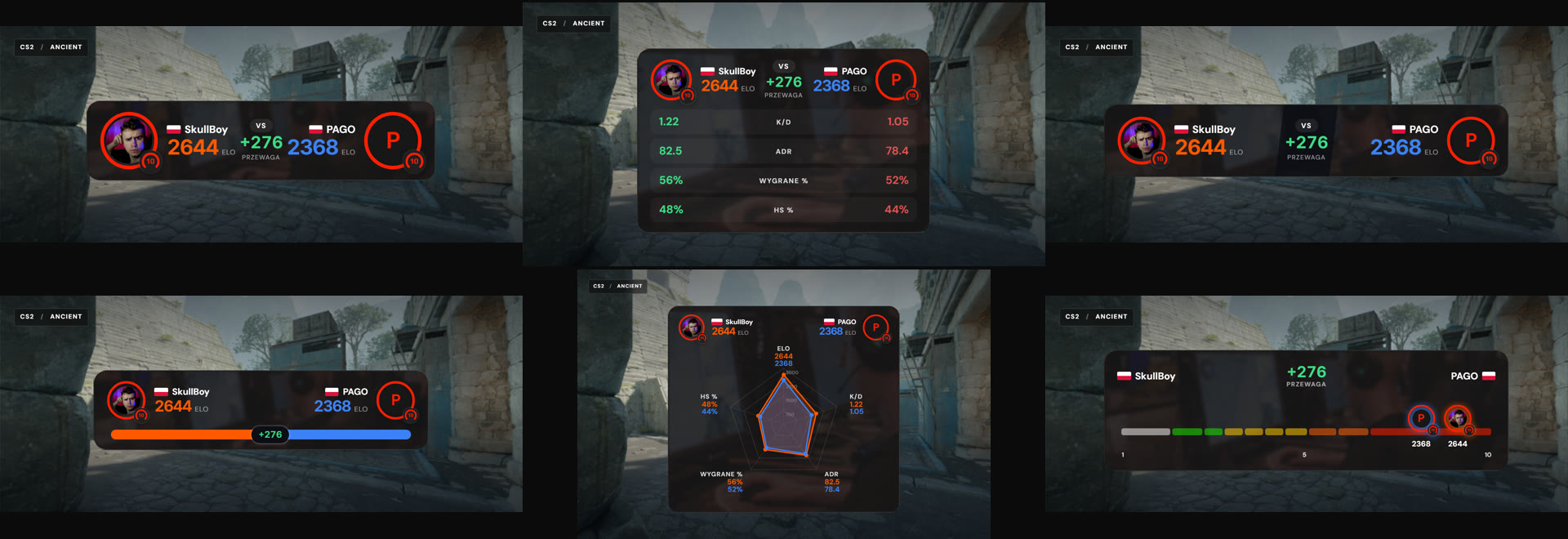
| Mode | What you get | When |
|---|---|---|
| Solo, FACEIT 2026 | 18 layouts, level, ELO, up to four stats, accent color | A normal one-player stream |
| VERSUS | 13 layouts, live data for a second nickname | Scrim, duel, comparison |
| Classic | Styles from the original mxgic1337 widget | When you want the older look |
| Lineup | Up to 10 players, columns from 20 or 30 matches | A team on one frame |
Where the code comes from
The base is faceit-stats-widget by mxgic1337, under the MIT license. This version is a fork with large changes: 2026 layouts, VERSUS, lineup, a split (radar and a bar under the camera), a match popup, Studio with thumbnails, and docs in Polish and English. The original license and attribution stay in LICENSE. The modification author is Skull.
The stack is ordinary and public: React 18, TypeScript, Vite 7, Less, pnpm. Docs render to static HTML. Deploy goes through Docker and nginx. The project is not affiliated with FACEIT. The FACEIT name and mark belong to FACEIT. The banner only reads public stats by nickname.
How to paste the banner into OBS
- Open faceitbanner.vxh.pl and type a FACEIT nickname.
- On the Look tab, pick a layout. The default is Prime.
- Set size: AUTO fits the banner to the source window (within that layout’s limit), Recommended uses the design size, Manual takes pixels inside that layout’s range.
- Click Generate OBS link and copy the URL.
- In OBS, add a Browser source, paste the URL, and set width and height from the layout card.
- Keep the default Browser source CSS and do not add a background color. The banner is transparent.
The full limit table, from Prime at 540×250 to Scoreboard at 760×124, is in the size docs. Pulse and the radar stay square. After an OBS restart the widget session returns for two hours, then the session counter starts from zero.
The generator UI is in Polish, English, and German. The same banner works in Streamlabs when the app has a browser source.
What the banner does not do
The Browser source lives in OBS, not in the CS2 process. It does not turn off the FACEIT client overlay, it does not touch anti-cheat, and it is not a booster. If the game stutters because of the FACEIT client itself, that is a separate topic: the order is in CS2 stutter on FACEIT.
SmoothWizard does not draw this banner either. Basic sets the power plan and shader cache cleanup on Windows. PRO pauses selected processes in fullscreen. A stream banner and a session tool solve two different problems. Do not run several boosters at once just because the stream looks heavy.
Download SmoothWizard when you want the Windows background under control. Leave the FACEIT banner in OBS.
FAQ
Click a question to expand the answer.
Is FACEIT Banner an official FACEIT tool?
No. It is an independent generator. It is not affiliated with FACEIT and you do not log into their account to build a banner.
Do I need an OBS plugin?
No. A Browser source, the link from the generator, and the size from the layout card are enough.
Does the banner lower FPS in CS2?
OBS renders the banner, not the game. Load depends on the Browser source on the PC that runs the stream. If the game itself stutters with the FACEIT client on, look at the overlay and anti-cheat, not at a widget on the scene.
Is the generator paid?
The generator at faceitbanner.vxh.pl is free. The code is on GitHub under MIT, keeping the original mxgic1337 copyright.
How is this different from the FACEIT overlay inside the game?
The client overlay sits in CS2 and can cause stutter. The banner is only on the stream picture. You can run the banner in OBS and keep the in-game overlay off.
