

LoL
League of Legends FPS erhöhen
League Of Legends
League of Legends.exeIn-house
Auch League of Legends verliert in großen Teamfights mit vielen Effekten Frames, vor allem auf Laptops. SmoothWizard optimiert die Konfiguration und gibt dem Spiel in Windows Vorrang.
How to optimize League of Legends FPS erhöhen
- 1
Optimierte Konfigurationsdatei
SmoothWizard trägt in die Konfigurationsdatei von League of Legends Werte ein, die Leistung bringen, und legt vorher ein Backup an. Die Änderung lässt sich jederzeit zurücknehmen.
- 2
Höhere Priorität für das Spiel
Die App gibt dem Prozess von League of Legends in Windows eine höhere Priorität. Programme im Hintergrund nehmen dem Spiel dann weniger CPU-Zeit weg.
Why optimize League of Legends FPS erhöhen
LoL läuft auf fast jedem PC, doch Browser, Discord und Updates im Hintergrund sorgen für kurze Einbrüche. Eine höhere Priorität hält die Bildrate in entscheidenden Momenten ruhig.
Estimated FPS and input lag
1080p, mid-range PC
360 FPS
~2.8 ms
Typical reports, no app
600 FPS
~1.7 ms
Estimated after optimization
FPS
Input lag (frame time)
Community / benchmark range for an RTX 3060-class PC at 1080p. Input lag here is frame time only: 1000 FPS = 1 ms, no monitor, USB or game delay. Estimate, not a measurement on your hardware.
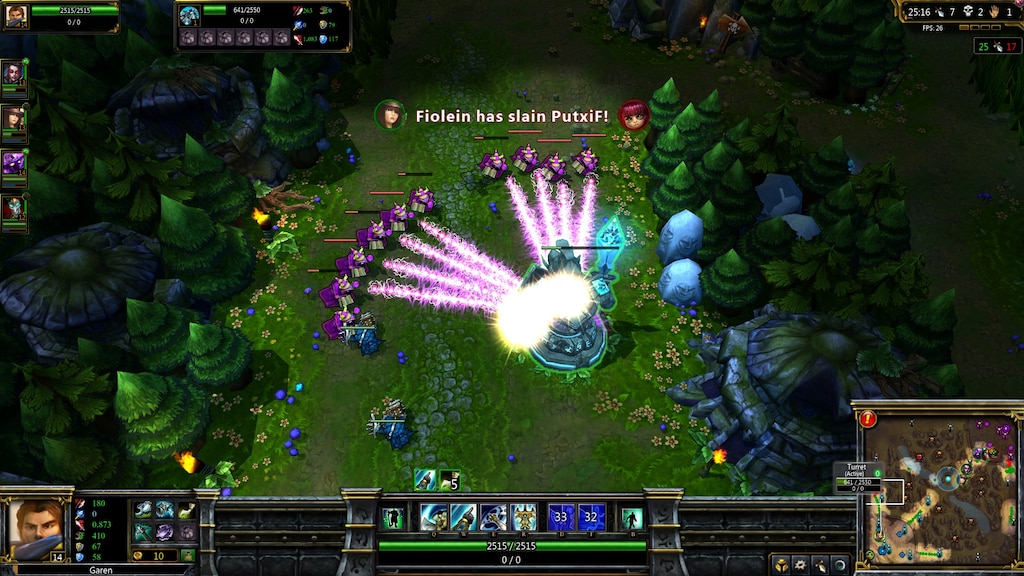
Lade SmoothWizard herunter und nimm League of Legends im Katalog auf. Teamfights laufen dann ohne Einbrüche.
Häufige Fragen
Click a question to show the answer. The first one is open.
Was ändert SmoothWizard an League of Legends?
Im PRO-Katalog: die Konfigurationsdatei, wo es eine gibt, eine höhere Priorität für das Spiel und weniger Last im Hintergrund. Die Prozesspause im Vollbild ist ebenfalls PRO, der Energieplan (Basis-Optimierung) ist kostenlos. Die FPS-Werte auf dieser Seite sind ein Beispiel für einen Mittelklasse-PC, keine Messung auf deinem Rechner.
Greift die App in League of Legends ein?
Nein. SmoothWizard liest keinen Spielspeicher aus und zeichnet kein Overlay ins Spiel. Für das Anti-Cheat ist weiterhin der Hersteller des Spiels zuständig.
Ist das kostenlos oder PRO?
Spielkonfiguration und Fensterpriorität sind PRO, ebenso die Prozesspause im Vollbild. Der Energieplan (Basis-Optimierung) ist kostenlos. PRO kannst du 7 Tage lang in der App testen.