
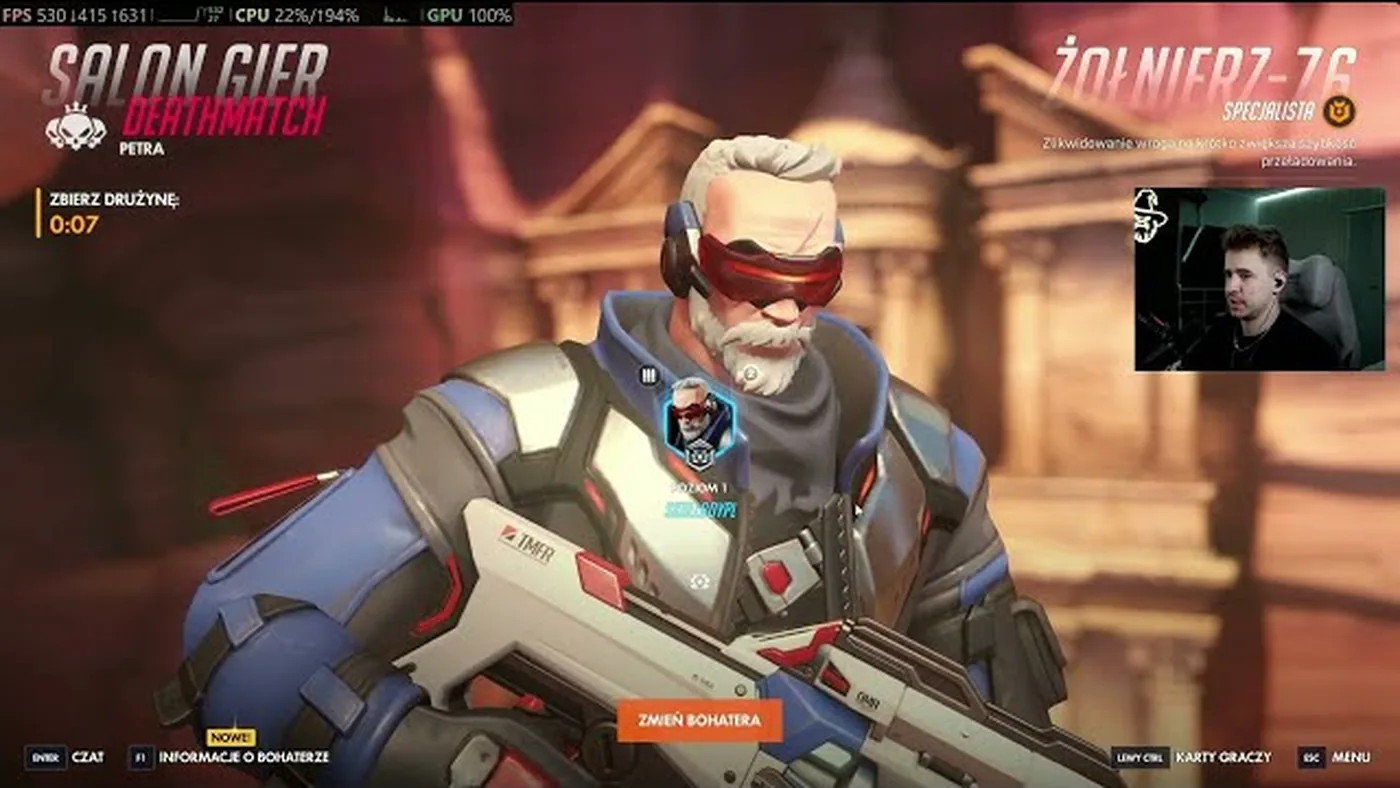
Overwatch 2 · settings
Overwatch 2 FPS: Reflex, config, skip LOD Bias
In Overwatch 2, apply the config from SmoothWizard or from Documents\Overwatch\Settings first. In-game, set NVIDIA Reflex to Enabled plus Boost when frames sit above refresh. Leave animation frame cap on Auto. Touch render scale only when the GPU is the limit. LOD Bias in the NVIDIA panel does not change this title. PRO process pause fires on a monitor-covering window or the detection list. The power plan is Basic.
September 2026. Same order as the video: app or manual config, then Reflex, then render scale last. Steam overlay numbers are that PC, not yours.
Why it stutters
Overwatch 2 stores the real config in Documents\Overwatch\Settings, not only in the Video menu. SmoothWizard, when the title is in the catalog, swaps that file with a backup. LOD Bias that strips detail in other games never hits this engine. Reflex plus Boost cuts delay when you have FPS headroom over refresh. Unlocking animation frames to a high cap draws power and, with Reflex plus Boost, usually adds nothing.
Key points
- Config path: Documents\Overwatch\Settings. The app writes it with a backup.
- NVIDIA Reflex: Enabled plus Boost when you have frame headroom. On a weaker PC you can turn it off.
- Skip LOD Bias in Overwatch 2. Animation frames: Auto, not a forced cap.
- PRO process pause fires on a monitor-covering window or the non-fullscreen detection list. The power plan is Basic.
- 1
Run Overwatch in SmoothWizard
Optimize games: find Overwatch on the list and click optimize. Config is written with a backup. The app does not click the in-game Video menu. The PRO trial is 7 days.
- 2
Power plan and process pause
The power plan is Basic. In the video, AMD sometimes leaves it off, because it helps on one chip and hurts on another. Test on your PC. Process pause is PRO: when the window covers the monitor, or when Overwatch is on the non-fullscreen game detection list.
- 3
Check where the config lives
Documents\Overwatch\Settings. Settings_v0.ini is the file the app replaces. Do not hunt a booster next to the exe. Shader cache is cleaned from the tray, not from this folder.
- 4
In the NVIDIA panel, skip LOD Bias
Overwatch profile: LOD Bias, even at extreme values, does nothing in this title. Do not paste a CS2 preset. Other NVIDIA options stay as your test, not as someone else's FPS quote.
- 5
In-game, set Reflex and animation frames
NVIDIA Reflex: Enabled plus Boost when you have more frames than monitor hertz. On a weaker PC you can turn it off. Animation frames: Auto. A custom high cap with Reflex plus Boost draws more power and usually adds nothing. That is not a number from your desktop.
- 6
Render scale only when the GPU is the limit
Render scale drops internal resolution. In the video the image looks worse. Use it when the GPU cannot hold the frame, not for an overlay record. Then deathmatch, not ranked on the first round.
Notes
NVIDIA labels stay English: Enabled, Boost, LOD Bias. FPS from the video is not your PC.
FAQ
Click a question to show the answer. The first one is open.
Does LOD Bias work in Overwatch 2?
No. The video shows extreme values with no image change. A preset from another game does not strip detail here. Skip LOD Bias and go to Reflex and the config.
Should Reflex plus Boost always be on?
When frames sit above monitor refresh, Enabled plus Boost cuts delay. On a weaker PC you can turn it off. Do not mix this test with render scale.
Should I unlock animation frames high?
With Reflex plus Boost, leave Auto. A forced high cap draws power and usually adds nothing. The number in the video is not yours.
Does SmoothWizard click in-game settings?
No. It swaps config, sets window priority, and, on PRO, pauses processes when the window covers the monitor or when the process is on the non-fullscreen game detection list. You click Video in Overwatch 2 yourself: Reflex, animation frames, render scale.
I play windowed. Will PRO pause work?
Yes, on PRO. The session starts when the window covers the monitor, or when you add Overwatch to the non-fullscreen game detection list. The Basic power plan does not depend on window mode.
Are the overlay FPS in the video mine?
No. That is a Steam overlay reading on the recording PC. Your test is deathmatch after config and Reflex, not the thumbnail number.
