League of Legends · settings
League of Legends: client, game, and settings for a steady frame
LoL settings live in the Riot client and in-match Video. Fullscreen, V-Sync Off, frame cap at monitor Hz. Disable Discord, Riot Client, and Game Bar overlays. After a patch clear shader cache and play ARAM or Practice Tool. SmoothWizard: power plan in Basic, cache in tray, process pause in PRO.
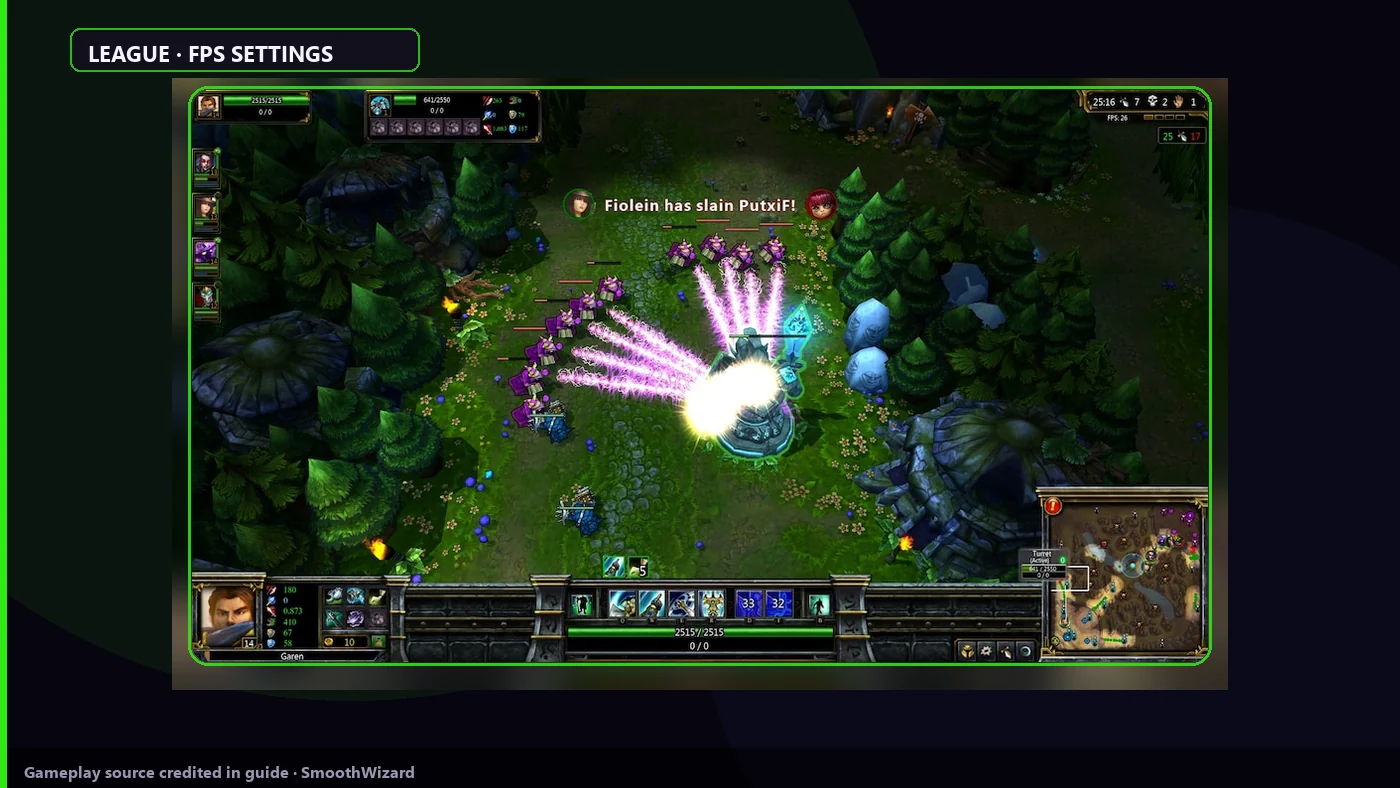
A Summoner Rift teamfight tests 1% low, not client lobby FPS. Video first, then overlays and post-patch shaders.
Why it stutters
Riot client and game are two processes. Borderless adds Windows compositor. Vanguard and anti-cheat stay on, so you trim effects and background, not bypass security. Season patches rebuild shaders on first teamfight. SmoothWizard does not replace LoL sliders.
Key points
- Fullscreen, V-Sync off, Riot and Discord overlays off.
- After a patch: shader cache and warmup before ranked.
- Lower effects and shadows when CPU lags in teamfights.
- 1
In-game Video
In match: Esc > Video. Display Mode: Fullscreen. V-Sync: Off. Set frame cap at monitor Hz if the laptop runs hot. Lower Character Quality and Environment when teamfights hitch, not when lane FPS looks fine.
- 2
Riot client before queue
Riot Client: disable extra overlays and background alerts. Close the browser with many tabs before ranked. Client stays open, but do not stack a third Discord overlay.
- 3
Overlays off
Discord overlay, Xbox Game Bar, NVIDIA App overlay off. One overlay is enough for teamfight hitch while lane average FPS looks good.
- 4
Shaders after a patch
After a LoL update close game and client. SmoothWizard: Clean shader cache in the tray. Play Practice Tool or ARAM for 10-15 minutes before ranked. First big teamfight tests frametime.
- 5
Vanguard stays on
Do not disable Vanguard or anti-cheat. If issues remain after cache and overlays, check GPU driver and Video settings, not illegal tweaks.
- 6
SmoothWizard
Basic: SmoothWizard power plan, play on AC on a laptop. PRO: process pause on fullscreen when Chrome and launchers eat CPU. PRO trial is 7 days if you want to test pause before ranked.
Notes
Cover may be a placeholder graphic until a final Riot asset lands. Menu labels stay as in client: Video, Fullscreen, V-Sync.
FAQ
Click a question to show the answer. The first one is open.
Borderless or Fullscreen in LoL?
Fullscreen usually skips more compositor work. Borderless when you Alt-Tab to Discord often. Test in teamfight, not lane.
Does LoL need Reflex?
LoL does not always expose Reflex in menu. Rely on fullscreen, V-Sync off, and overlays off. Do not stack NVIDIA Low Latency with other games in the same test session.
What does SmoothWizard do in League?
Shader cache, power plan in Basic, process pause in PRO. It does not edit game files or bypass Vanguard.
Why hitch in teamfight after a season patch?
New effects and shaders. Cache and short warmup before ranked fix most cases without reinstall.