

 GameValorant: fullscreen, borderless, or windowedIn Valorant set display mode under Settings > Video > Display Mode: Fullscreen, Fullscreen Windowed (borderless), or Windowed. Fullscreen gives the GPU the whole monitor and can feel…Read guide
Tutorials
Short guides for stutter after a patch, laptops, and overlays. A pre-queue checklist - in the article and in the app.
List
Filter by category (game) or tag. A short checklist, no magic booster.
Stutter
Categories
Tags
GameValorant: fullscreen, borderless, or windowedIn Valorant set display mode under Settings > Video > Display Mode: Fullscreen, Fullscreen Windowed (borderless), or Windowed. Fullscreen gives the GPU the whole monitor and can feel…Read guide AI-generatedAI-generatedAMD Anti-Lag in games: when to enable and when to leave OffAMD Radeon Anti-Lag lives in AMD Software: Adrenalin Edition on Radeon GPUs. It cuts latency on the AMD driver side, not NVIDIA Reflex on GeForce. Toggle it under…Read guide
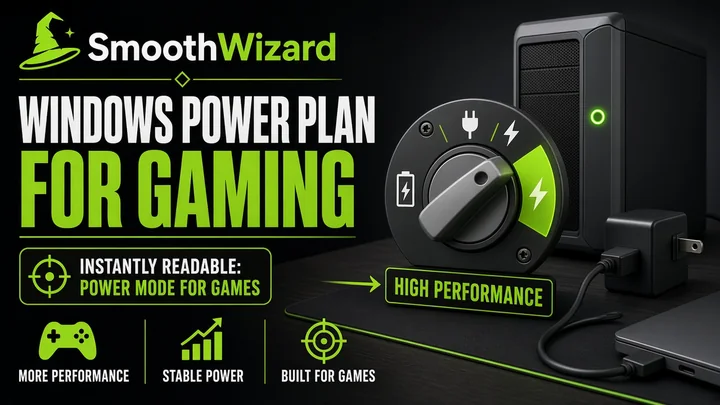 AI-generatedAI-generatedWindows power plan for gaming: High performance or BalancedThe Windows power plan controls how quickly CPU and GPU can raise clocks under load. For gaming on a laptop on AC, you usually pick High performance or…Read guide
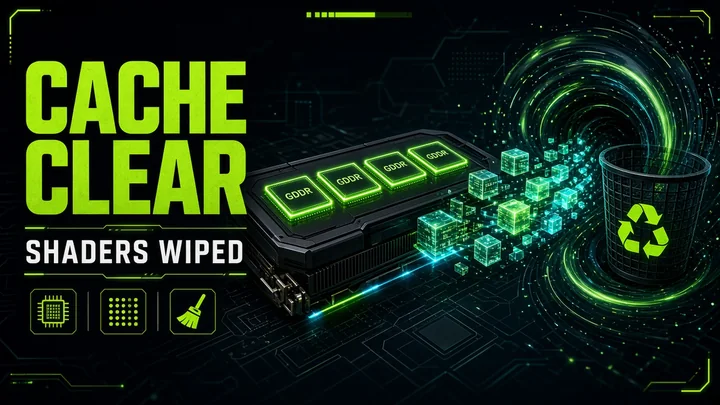 AI-generatedAI-generatedNVIDIA and AMD shader cache: when to clear and when to leave itShader cache is compiled GPU effects stored on disk. After a big game patch, a Game Ready or Adrenalin update, or weird stutter right after a reboot, clearing…Read guide
 BrandAMD Adrenalin for gaming: install and when to resetOn Radeon, use AMD Software: Adrenalin Edition from amd.com/support or AMD's detector. After crashes or weird post-update stutter, use Factory Reset in the installer or a full reinstall.…Read guide
 BrandNVIDIA drivers for gaming: Game Ready and when to cleanFor Windows games, use Game Ready Drivers from nvidia.com or the NVIDIA App. Keep Studio Driver for creator work. After weird crashes or a black screen after an…Read guide
 GameMarvel Rivals: PRO config, Reflex, and LOD BiasIn Marvel Rivals start with Basic: Change Power Plan, Turn off memory compression, and Fullscreen flip mode (FSO) on Legacy. Config, LOD Bias, and window priority are PRO.…Read guide
 BrandHow to unlock Roblox FPS without a third-party unlockerSince 30 May 2024, on Windows Roblox you raise the cap in Esc, then Settings, Maximum Frame Rate. Default stays around 60 FPS. Pick a value up to…Read guide
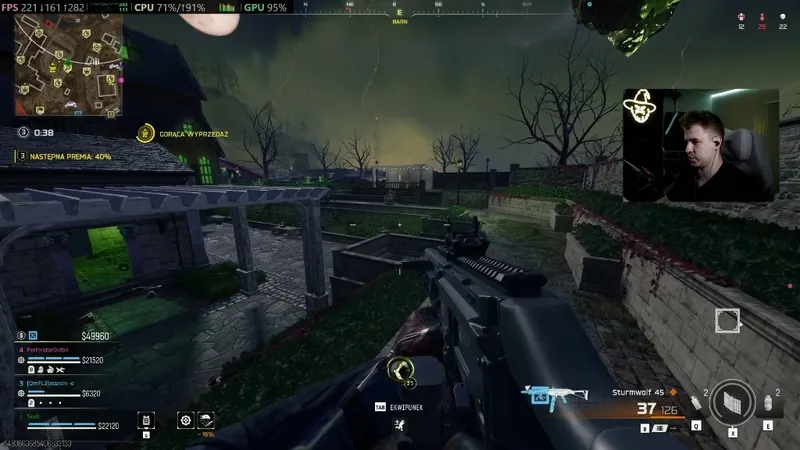 GameWarzone FPS: PRO config, Legacy Flip, skip LOD BiasIn Warzone start with Basic: Clean temporary files (Temp), Turn off memory compression above 16 GB, and Fullscreen flip mode (FSO) set to Legacy. Config from Optimize Games…Read guide
No guides match this filter.
Free, no card. PRO has a 7-day trial. Laptops feel the difference more than a 500+ FPS desktop.
Download SmoothWizard