
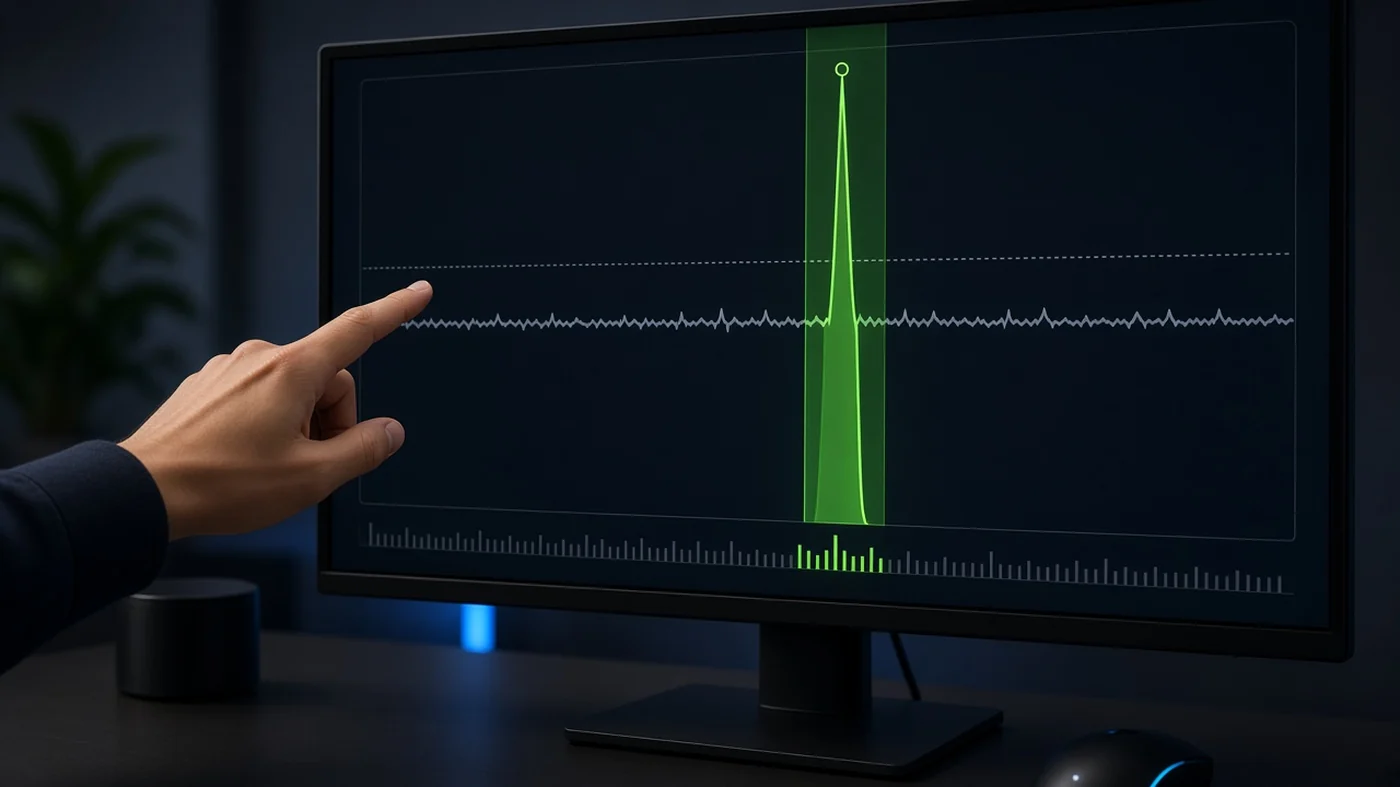
AI-generated image
Windows · measurement
How to measure 1% low instead of staring at average FPS
1% low is the worst one percent of frames in a run, expressed as FPS from frame time. 0.1% low catches rarer spikes. Use the same scene: same spawn, same smoke, same patch and driver. CapFrameX and RTSS show frametime. SmoothWizard clears cache and sets power plan in Basic but does not replace CapFrameX or a frametime log. PRO purchase does not guarantee a higher 1% low.
A 240 average overlay says nothing about ults. 1% low tells you if fights hitch. No invented numbers from the internet.
Why it stutters
Average FPS hides long frames on abilities and texture loads. Ranked hurts on 1% low, not on a menu screenshot. Two tests on different maps or patches are not comparable. Boosters sell averages, frametime shows truth on your PC.
Key points
- Same scene, same test length, same patch.
- 1% low and 0.1% low from frametime, not someone else's OSD.
- CapFrameX, RTSS, or in-game benchmark - pick one.
- 1
Lock a test scene
Pick one repeatable slice: DM spawn, Range with ults, Creative box fight. Same resolution, same fullscreen mode. Note game version and GPU driver date.
- 2
Average vs 1% low vs 0.1% low
Average is frames over time. 1% low is the bottom frametime percentile. 0.1% low catches single spikes you feel as a freeze. Ranked cares about even frames, not menu peaks.
- 3
CapFrameX or RTSS
CapFrameX: record a session and read 1%/0.1% low from the file. RTSS / Afterburner: live frametime OSD. Do not mix two tools in one test. SmoothWizard overlay is not a log.
- 4
In-game benchmark when available
Some titles ship a built-in bench with min FPS. Use it only when you repeat the same preset and resolution. Another PC's result is not yours.
- 5
Change one thing at a time
One change per test: overlays off, then cache, then power plan. Otherwise you cannot tell what moved 1% low. After a patch warm shaders before measuring.
- 6
Where SmoothWizard fits
Basic: power plan, play on AC. Tray: Clean shader cache. PRO: process pause. The app does not report 1% low or replace CapFrameX. You can measure before and after PRO trial on the same scene.
Notes
We do not quote sample FPS values. Your 1% low depends on CPU, GPU, RAM, and scene. Tool labels stay English as in RTSS and CapFrameX.
FAQ
Click a question to show the answer. The first one is open.
Is average FPS overlay enough?
For a quick glance yes. For hitch judgment no. Enable frametime or log a session in CapFrameX.
How is 1% low different from 0.1% low?
1% low describes more frequent slow frames. 0.1% low catches rare spikes you feel in ranked.
Will SmoothWizard show 1% low?
No. It is for cache, power, and process pause. Leave measurement to CapFrameX, RTSS, or the game's bench.
How long should a test run?
One minute of steady action in the same scene is enough, without a map load mid-run. Longer only when comparing two presets back to back.
