
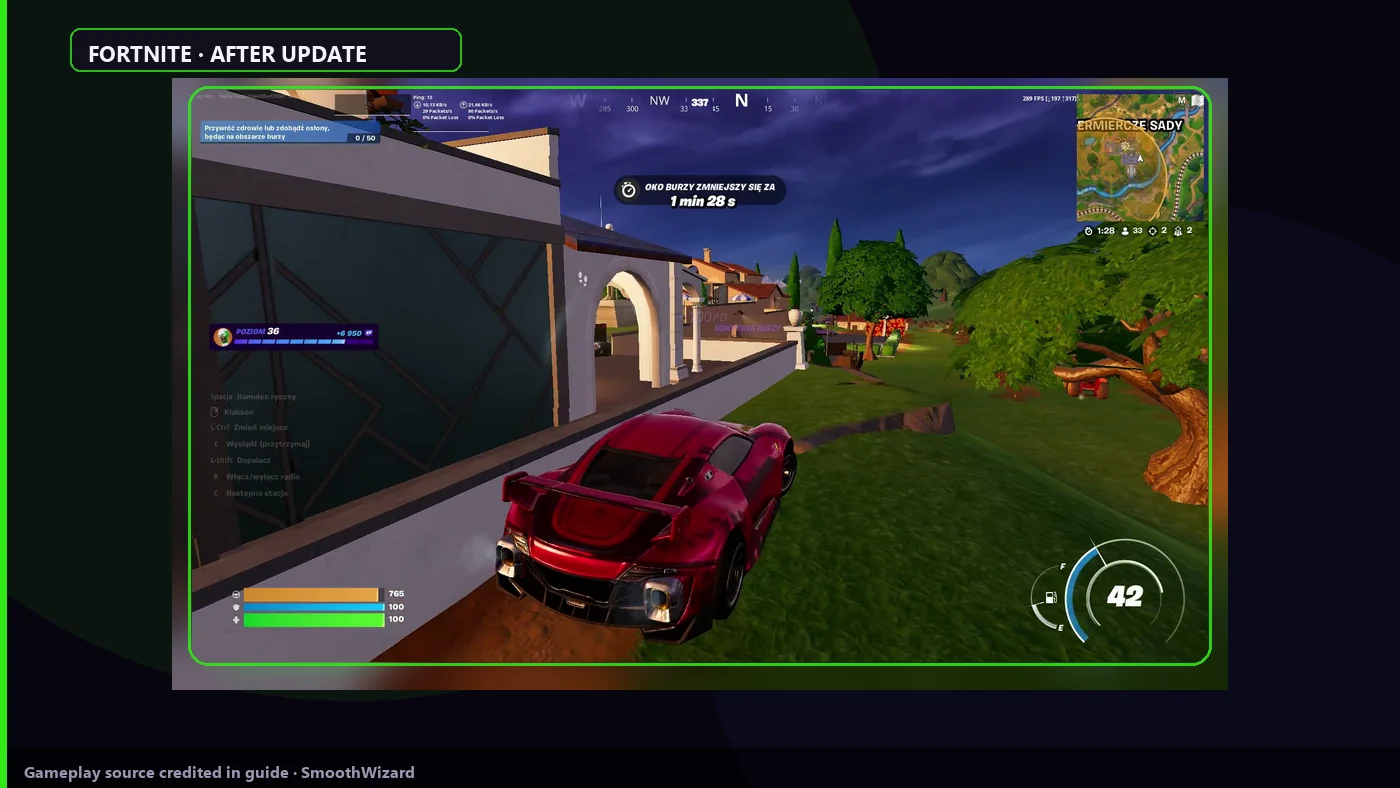
Fortnite · stutter
Fortnite stutters after an update? Post-patch checklist
After a Fortnite update hitching is usually a new renderer pass or fresh shader cache, not a missing booster. Confirm Rendering Mode is still Performance, clear shader cache, disable Discord and Epic overlays, play one Creative session before ranked. One background booster, not two. SmoothWizard: cache in the tray, power plan in Basic, process pause in PRO. Full Performance Mode details live in a separate guide.
Patches change the engine more often than your PC. This list is for the day after an update, not first-time Performance setup.
Why it stutters
Epic swaps files and shaders each season. The game compiles on first builds and storms. Launcher and Discord overlays add frametime. A second booster fights the power plan with SmoothWizard or Cortex. Performance Mode is the long-term lever, here you only verify the patch did not reset it.
Key points
- After a patch: Performance Mode, restart, then Creative.
- Shader cache before ranked, not the other way around.
- Overlays off, one booster in the system.
- 1
Confirm Performance Mode after the patch
Settings > Video > Rendering Mode > Performance. Apply and restart Fortnite. Patches sometimes reset DirectX 12. First minute, not a Windows reinstall.
- 2
Clear shader cache
Close Fortnite and Epic Games Launcher. SmoothWizard: Clean shader cache in the tray. Or Disk Cleanup > DirectX Shader Cache. Launch and spend 10-15 minutes in Creative or a bot lobby.
- 3
Epic and Discord overlays
Epic overlay, Discord overlay, NVIDIA App, and Xbox Game Bar off for the test. One overlay is enough to cut 1% lows after an update while average FPS looks fine.
- 4
One booster
Do not run Cortex, Hone, Wise Game Booster, and SmoothWizard together. Keep one tool or the checklist alone. Two power plans in one session mean random frametime.
- 5
Power and background
Laptop on AC. SmoothWizard Basic: power plan. Close extra Chrome tabs before the test. PRO: process pause on fullscreen when background still eats CPU after overlays.
- 6
When to open the full Performance guide
If you never set Performance or Epic HD textures, read fortnite-performance-mode. This article assumes you know the engine and a patch broke something.
Notes
Post-update checklist only. Rendering Mode, HD textures, and shadows are in fortnite-performance-mode. No FPS promises from patch notes.
FAQ
Click a question to show the answer. The first one is open.
Must I reinstall Fortnite after a patch?
Usually no. Restart after Rendering Mode, shader cache, and a Creative session fix most post-update hitch. Reinstall is last resort.
How is this different from fortnite-performance-mode?
That guide is full Performance and Epic launcher setup. Here is day-after order: mode, cache, overlays, one booster.
What does SmoothWizard do after a patch?
Shader cache in the tray, power plan in Basic, process pause in PRO. It does not flip Performance Mode for you.
Does every season always drop FPS?
Seasons add assets and shaders. Frametime drops until cache warms. Measure the same Creative scene, not Twitter numbers.
