
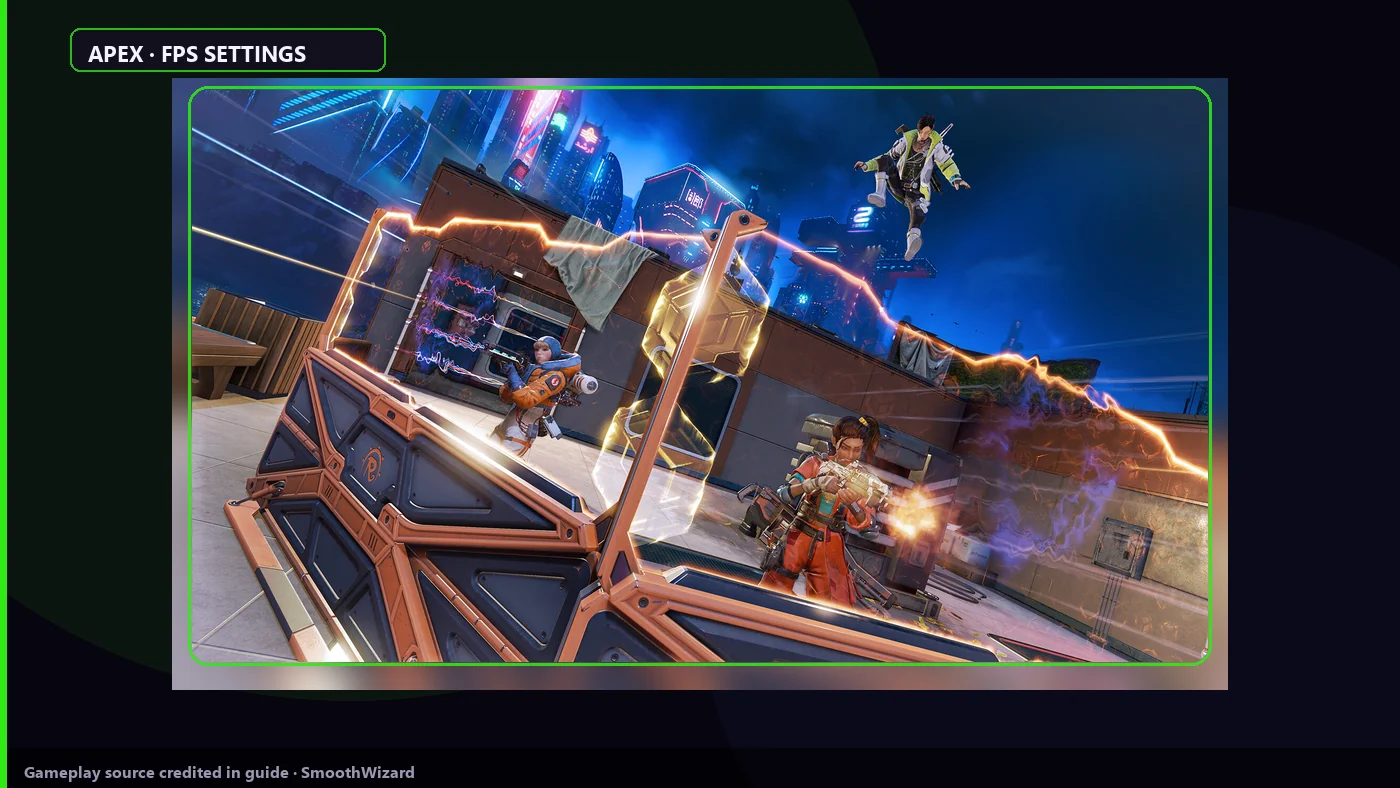
Apex Legends · laptop
Apex Legends on a laptop: display, V-Sync, and Reflex
In Apex on a laptop open Settings > Video: Full Screen, V-Sync Disabled, frame cap at monitor Hz or uncapped on AC. Enable NVIDIA Reflex when you have headroom above refresh. After a patch or GPU driver update warm shaders in Firing Range. Disable Discord, EA app, and Game Bar overlays. SmoothWizard: power plan in Basic, process pause on fullscreen in PRO.
Battery and AC on the same laptop are two different tests. Video menu first, then shaders. No promised frame count.
Why it stutters
Apex on Source Engine spikes on ults and smoke. V-Sync and borderless compositor add latency. Reflex helps with headroom, it does not fix a weak GPU. Updates rebuild shaders. Two boosters and three overlays hurt 1% lows faster than one in-game slider.
Key points
- Full Screen, V-Sync off, sensible cap on a laptop.
- Reflex only with headroom. Do not stack NVIDIA Control Panel Low Latency.
- After a patch: Firing Range and shader cache, then ranked.
- 1
Video: fullscreen and V-Sync
Settings > Video. Display Mode: Full Screen. V-Sync: Disabled. Turn Adaptive Resolution Scaling off for a test if the image pumps. Borderless only when you need Alt-Tab, with Windows compositor in the way.
- 2
Frame cap for the laptop
Set Target Video Framerate at or below monitor Hz, or uncapped on AC when measuring headroom. On battery Windows limits power. SmoothWizard does not click this menu for you.
- 3
Reflex if the toggle exists
NVIDIA Reflex Low Latency: Enabled or Enabled + Boost when frames sit above refresh and the laptop stays cool. NVIDIA Control Panel Low Latency Mode: Off when in-game Reflex is on. No Reflex on older GPUs is normal.
- 4
Less HUD clutter
Trim damage numbers, ping, and extra HUD when CPU struggles. Not magic FPS, but less work per frame. Lower model detail and effects when teamfights hitch.
- 5
Shaders after a patch
After an Apex or GPU update close the game. SmoothWizard: Clean shader cache in the tray. Then 10-15 minutes in Firing Range before ranked. First ults and smokes test frametime, not average FPS.
- 6
SmoothWizard
Basic: SmoothWizard power plan, play on AC. PRO: process pause on fullscreen when Chrome and launchers eat CPU. The app does not inject an overlay into Apex or read game memory.
Notes
In-game labels stay as in UI: Settings, Video, Full Screen, V-Sync, NVIDIA Reflex. Turn EA app overlay off separately from Discord. Do not paste forum FPS onto your laptop.
FAQ
Click a question to show the answer. The first one is open.
Borderless or Full Screen in Apex?
Full Screen skips more Windows compositor work. Borderless when you Alt-Tab often. Test on the same map, do not copy a streamer's sheet.
Should Reflex always be on?
With headroom above refresh Reflex cuts latency. When the GPU barely holds frames, Reflex off can be smoother. Check in Firing Range.
What does SmoothWizard do in Apex?
Power plan in Basic, shader cache in the tray, process pause in PRO. You set EA Video menus. PRO trial is 7 days if you want to test pause.
Why hitch after a season patch with high average FPS?
Usually shaders or an overlay. Average FPS lies during ult hitch. Range and cache first, then Windows background.
