
Warzone · settings
Warzone FPS: PRO config, Legacy Flip, skip LOD Bias
In Warzone start with Basic: Clean temporary files (Temp), Turn off memory compression above 16 GB, and Fullscreen flip mode (FSO) set to Legacy. Config from Optimize Games is PRO and keeps volume and resolution. LOD Bias in NVIDIA Inspector does not change this title. In Optimize System leave Disable Memory Integrity (VBS) unchecked. PRO process pause fires on a monitor-covering window or the Non-fullscreen game detection list.
September 2026. Basic for free, game config on PRO, then you check it in a match. Overlay numbers are our reading, not yours.
Why it stutters
Warzone stores settings in Documents\Call of Duty\players and in LocalAppData\Activision\Call of Duty\players. A manual txt paste overwrites volume and resolution. Optimize Games copies those lines from the old file and writes a backup. LOD Bias never hits this engine. PRO process pause fires when the window covers the monitor, or when the process is on the Non-fullscreen game detection list.
Key points
- Basic: Temp, Turn off memory compression when RAM is plenty, Fullscreen flip mode (FSO) on Legacy.
- Warzone config is PRO, in Optimize Games. A zip overwrites volume.
- Skip LOD Bias. Leave Memory Integrity on.
- PRO process pause: window covers the monitor, or the Non-fullscreen game detection list.
- 1
Run Basic before you touch config
The Basic optimize tab is Free. Check Clean temporary files (Temp). Turn off memory compression only when you have more than 16 GB. On a small RAM kit, leave compression on. Under DISPLAY set Fullscreen flip mode (FSO) to Legacy. Check Change Power Plan on Intel. On AMD, test on and off.
- 2
In SERVICES, go easy on Windows Search
On a stronger PC leave Turn off Windows Search unchecked, because Windows indexing then breaks. On a weaker PC you can check it. The rest of SERVICES you test yourself.
- 3
Warzone config lives in Optimize Games
Optimize Games is PRO. The trial is 7 days. Search Warzone and click optimize. The app swaps config with a backup and keeps volume and resolution. You do not need to open the txt files.
- 4
Check where the config lives
Documents\Call of Duty\players and LocalAppData\Activision\Call of Duty\players. A manual txt paste overwrites in-game settings. The official path is the app: backup, then copy volume and resolution.
- 5
In NVIDIA Inspector, skip LOD Bias
Call of Duty profile: LOD Bias does nothing here. A CS2 preset does not strip detail. A custom DLSS profile stays as your test, not as someone else's frame quote.
- 6
Optimize Pro: toasts, priority, MMCSS
Optimize Pro is PRO. In the games section check Mute Windows toasts in-game (Focus Assist), Game process priority, and the MMCSS Games profile. Background process pause is also PRO: the window covers the monitor, or the Non-fullscreen game detection list.
- 7
In Optimize System, leave Memory Integrity alone
Optimize System is PRO. When the quiz asks about anti-cheat, say yes for Warzone. Do not check Disable Memory Integrity (VBS). Ricochet may still require it. Keep process priority in the app.
- 8
Check it in a match, not ranked first
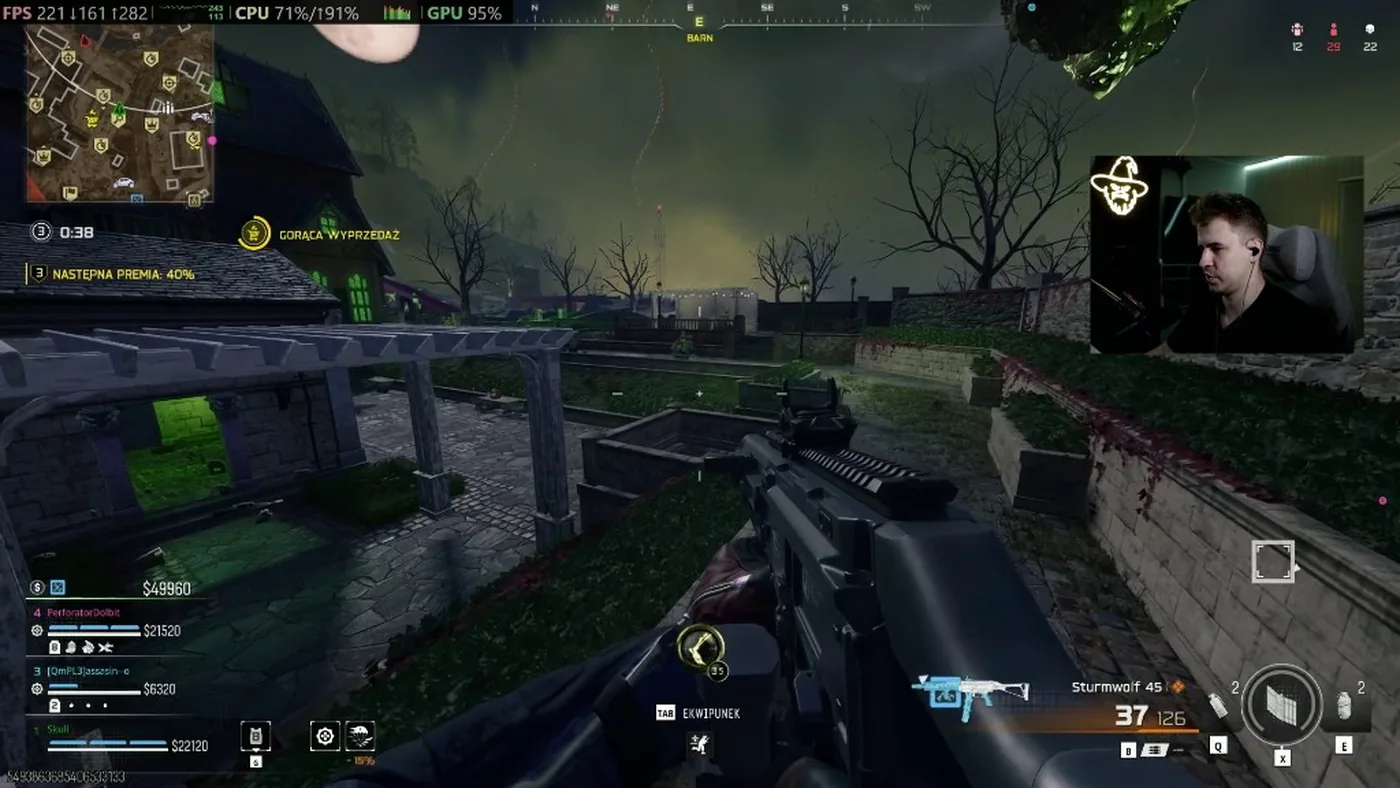
After Basic and config, go into a casual playlist. Overlay FPS on the screenshot is our PC, not your number. Ranked from the first round tells you nothing.
Notes
In-app labels stay as in the UI: Optimize Games, Optimize Pro, Optimize System, Disable Memory Integrity (VBS), Legacy. FPS from the recording is not your PC.
FAQ
Click a question to show the answer. The first one is open.
Is Warzone config in Free?
No. Optimize Games and catalog config are PRO. Basic stays: Temp, memory compression, Flip Legacy, power plan. The PRO trial is 7 days.
Does LOD Bias work in Warzone?
No. The engine never picks it up. A preset from another game does not strip detail here. Skip LOD Bias.
Why not replace files from a zip?
A manual paste overwrites volume and resolution. Optimize Games copies those lines from the old file and writes a backup.
Should I disable Memory Integrity for Warzone?
No. In Optimize System you answer yes on anti-cheat and leave Memory Integrity on. Disable Memory Integrity (VBS) stays unchecked.
Does SmoothWizard need fullscreen?
No. PRO checks whether the active window covers the monitor, or whether the process is on the Non-fullscreen game detection list. Process pause is PRO.
Are the overlay FPS mine?
No. That is a reading on our hardware. Your test is a match after Basic and config, not the thumbnail number.
