


 GameMarvel Rivals: PRO config, Reflex, and LOD BiasIn Marvel Rivals start with Basic: Change Power Plan, Turn off memory compression, and Fullscreen flip mode (FSO) on Legacy. Config, LOD Bias, and window priority are PRO.…Read guide
Tutorials
Short guides for stutter after a patch, laptops, and overlays. A pre-queue checklist - in the article and in the app.
List
Filter by category (game) or tag. A short checklist, no magic booster.
page 2
Categories
Tags
GameMarvel Rivals: PRO config, Reflex, and LOD BiasIn Marvel Rivals start with Basic: Change Power Plan, Turn off memory compression, and Fullscreen flip mode (FSO) on Legacy. Config, LOD Bias, and window priority are PRO.…Read guide BrandHow to unlock Roblox FPS without a third-party unlockerSince 30 May 2024, on Windows Roblox you raise the cap in Esc, then Settings, Maximum Frame Rate. Default stays around 60 FPS. Pick a value up to…Read guide
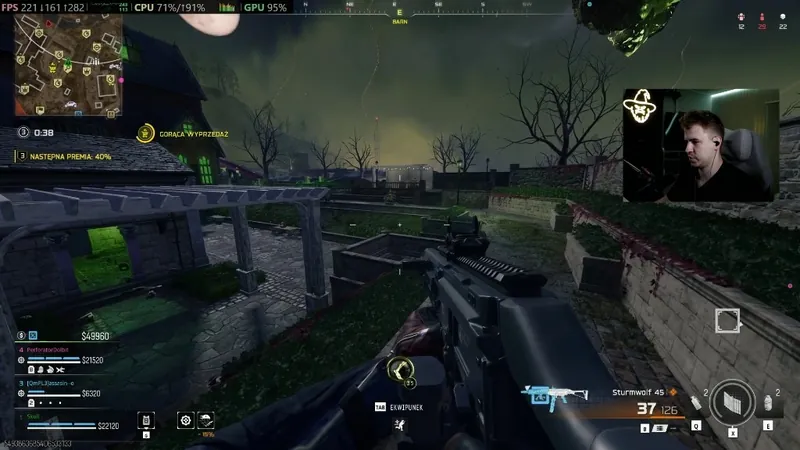 GameWarzone FPS: PRO config, Legacy Flip, skip LOD BiasIn Warzone start with Basic: Clean temporary files (Temp), Turn off memory compression above 16 GB, and Fullscreen flip mode (FSO) set to Legacy. Config from Optimize Games…Read guide
 StockWindows Game Mode and HAGS: Game Mode on, HAGS as a testOn Windows 10 and 11, Game Mode is Settings > Gaming > Game Mode. It is a game priority, not an FPS booster. Hardware-accelerated GPU scheduling (HAGS) is…Read guide
 StockCS2 fullscreen vs borderless? OLED, stretch, alt-tabCS2 Display Mode lives in Settings > Video. On a 16:9 LCD, start with Fullscreen. On OLED, or if you alt-tab often, use Fullscreen Windowed, because exclusive mode…Read guide
 StockValorant FPS: PRO config, Legacy Flip, skip LOD BiasIn Valorant start with Basic: Change Power Plan, Turn off memory compression, and Fullscreen flip mode (FSO) set to Legacy. Config from Optimize Games is PRO: you pick…Read guide
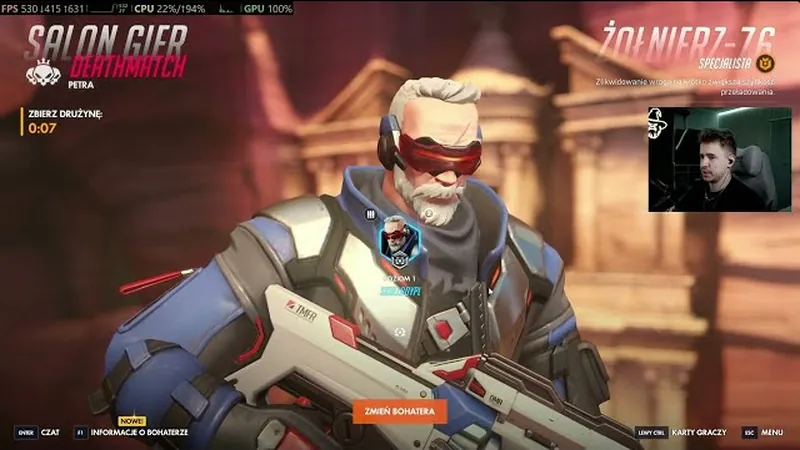 GameOverwatch 2 FPS: Reflex, config, skip LOD BiasIn Overwatch 2, apply the config from SmoothWizard or from Documents\Overwatch\Settings first. In-game, set NVIDIA Reflex to Enabled plus Boost when frames sit above refresh. Leave animation frame…Read guide
 BrandNVIDIA Reflex in CS2: Enabled, Boost, and why not UltraNVIDIA Reflex in CS2 is a Video latency mode, not the GeForce overlay. Start with Enabled. Enabled + Boost holds higher GPU clocks and uses more power. Do…Read guide
 BrandCS2 stutters only on FACEIT? Overlay, Discord, anti-cheatIf CS2 hitches on FACEIT and Premier on the same PC feels smoother, the stack is overlay plus anti-cheat, not a missing booster. Leave FACEIT Anti-Cheat on. Turn…Read guide
No guides match this filter.
Free, no card. PRO has a 7-day trial. Laptops feel the difference more than a 500+ FPS desktop.
Download SmoothWizard